Inbox & calls
Emails show only the new text of each message, the rest behind Show quoted text
Each message in an Emails thread shows only its new text, with the earlier conversation behind Show quoted text. Replies carry a quote of the message they answer.
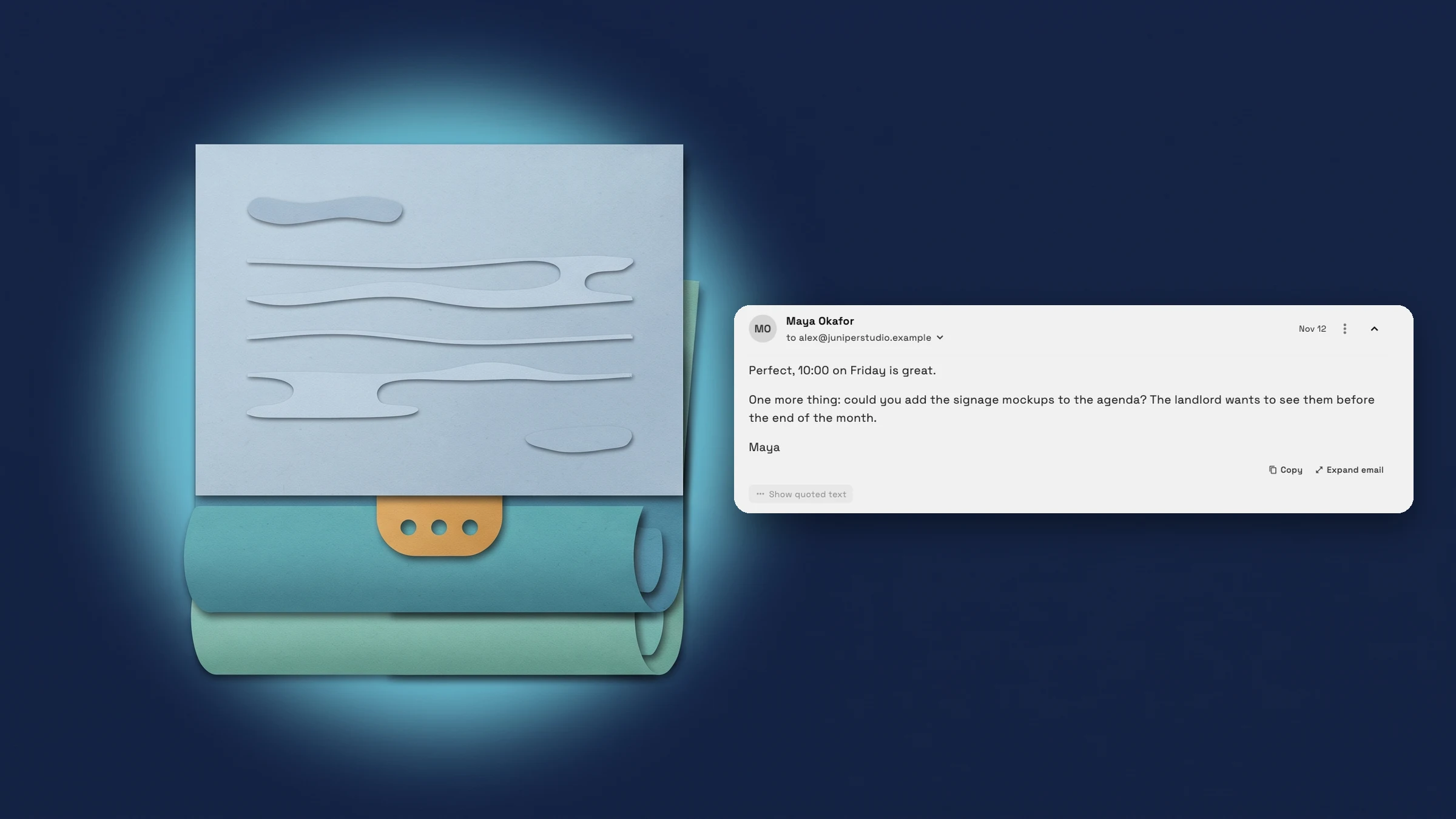
Each message shows only what was just written
In a long back-and-forth with a client, every message carries everything said before it. Each message in an open thread now shows only its new words. The earlier conversation it replies to is folded behind Show quoted text, and Hide quoted text folds it away again.
It recognizes the history that Gmail, Outlook, Apple Mail, Thunderbird and Yahoo add to a reply, as well as plain-text replies with an On … wrote: line or lines that start with >. The one-line preview in the email list shows the new words too.
Emails that quote nothing, such as a first message or a newsletter, are shown in full.
- Only the new text of each message
- Show quoted text opens the earlier conversation
- Gmail, Outlook, Apple Mail and plain-text replies are recognized
- The list preview skips the quoted history
- Where to find it
- Communications
- Emails
- open an email
- Plans
- Every plan

Quick answers
- What does Show quoted text do in Workspace369 Emails?
- Each message in an open thread shows only its new text. Show quoted text opens the earlier conversation that the message replies to, and Hide quoted text folds it away again.#
- Which emails does it fold?
- Replies from Gmail, Outlook, Apple Mail, Thunderbird and Yahoo, and plain-text replies with an On … wrote: line or lines that start with >. Emails that quote nothing are shown in full.#
- Does my reply include the earlier message?
- Yes. Your reply carries the message you are answering as a quote under your words, in the form Gmail writes it. In the Plain text email style the quote is kept as lines that start with >.#
- Can I use Show quoted text in the phone apps?
- It is on the web app now and reaches the phone apps with their next update.#
Related updates
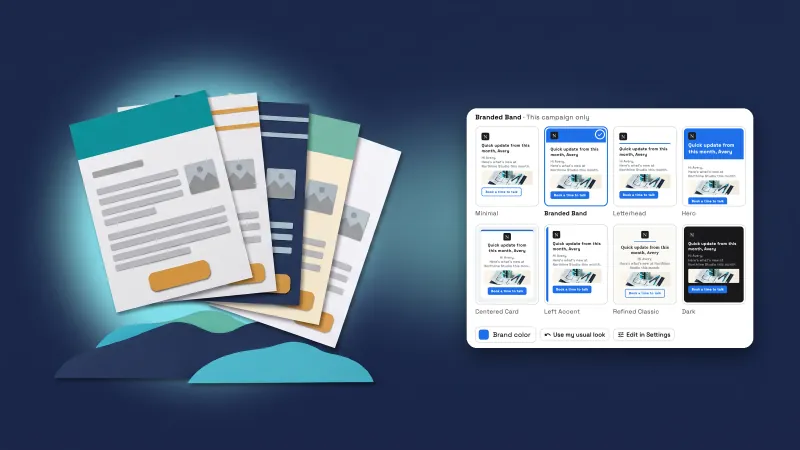 Campaign emails get eight looks, a button and a picture
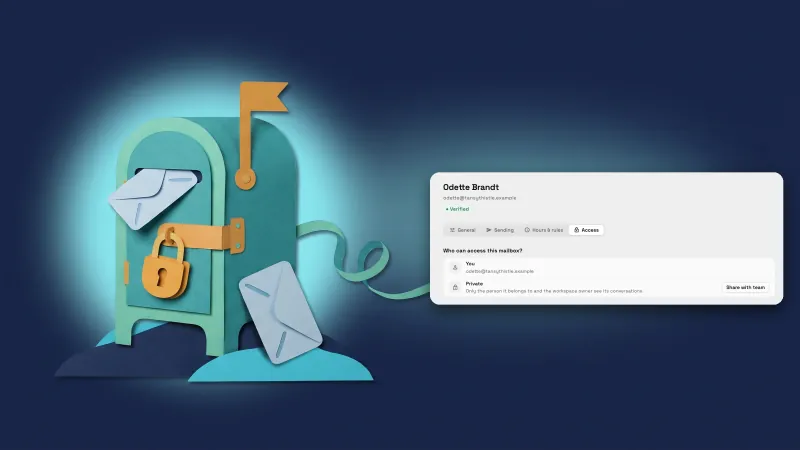 Teammates’ Outlook mailboxes start private
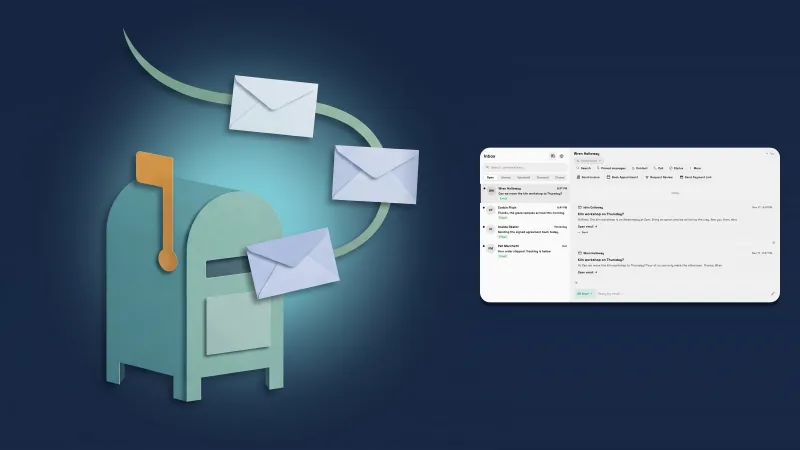 Connect your Microsoft 365 or Outlook mailbox to the Inbox
Emails show only the new text of each message, the rest behind Show quoted text, in your own workspace
Start your free trial, then find it under Communications.
14-day free trial. Card required. After the trial: from $29/month. Renews automatically every month until you cancel. Cancel anytime in Settings → Billing.