Billing & payments
Flash Pay: take a payment on the spot with a QR code or a pay link
Type an amount, turn your phone to the customer and let them pay by Apple Pay, Google Pay or card. Every Flash Pay becomes a paid invoice, with optional tips.
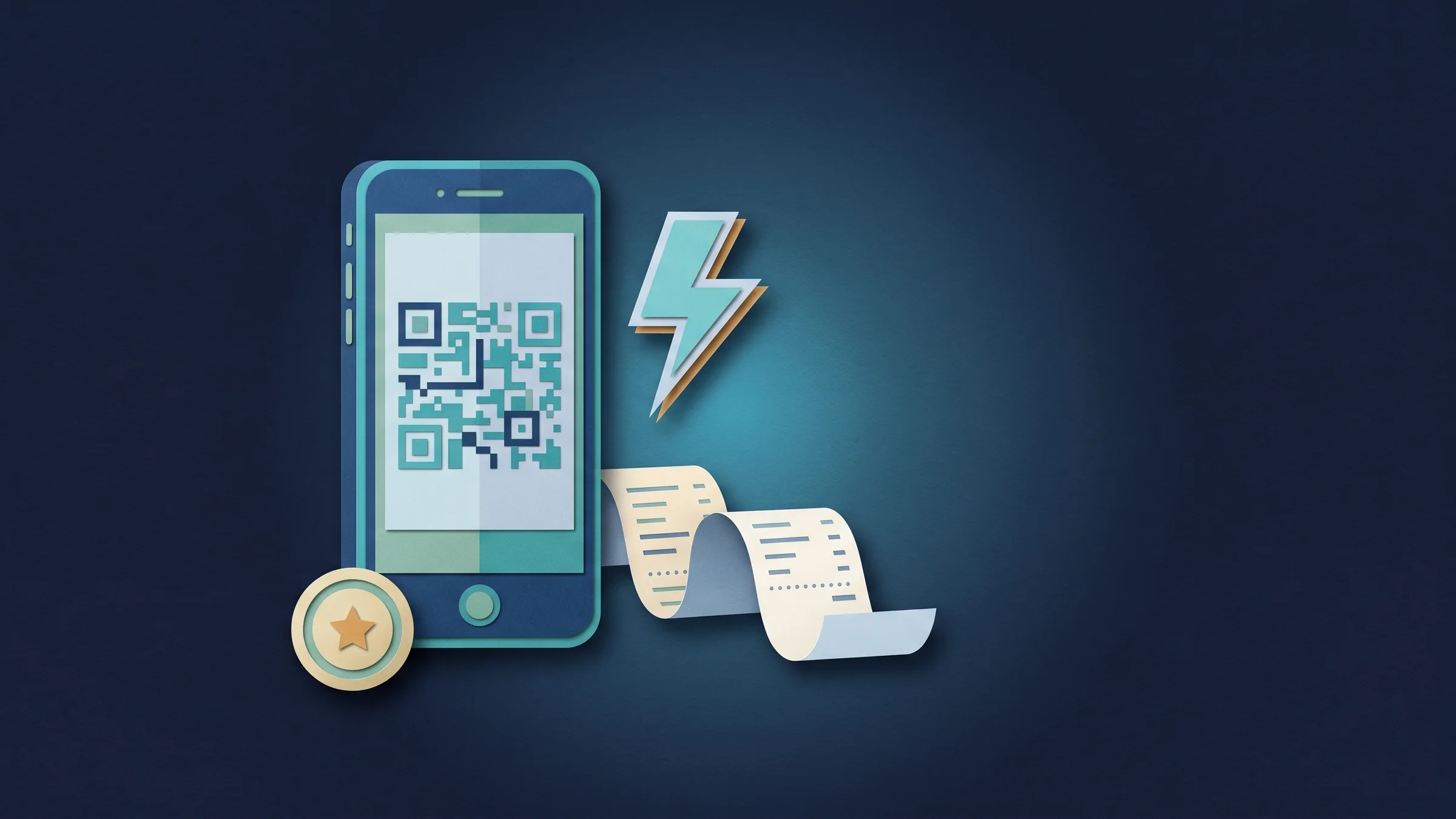
Get paid by QR code, right where you are
Open Flash Pay, type the amount and choose Show QR code. Turn the phone to your customer: they point their camera at it and pay with Apple Pay, Google Pay or a card on a secure page with your business name. You'll need Stripe connected first.
You don't need their details first. They add their own name and email when they pay, and the screen shows Payment received the moment it goes through.
- Apple Pay, Google Pay or card
- No customer details needed up front
- Works through your own Stripe account

- Where to find it
- Flash Pay in the sidebar, just below Invoices
- Plans
- Every plan
Or text and email a pay link
Not standing next to the customer? Create a pay link instead and copy it, share it from your phone, or send it by text or email. The link shows the same secure checkout as the QR code.
Links expire after the number of days you choose: 1, 7, 30 or 90. You can cancel a link that hasn't been paid, and nothing is charged.
- Copy, share, text or email
- You set when links expire
- Cancel an unpaid link, nothing charged
- Where to find it
- Flash Pay
- type an amount
- Send payment link
- Plans
- Every plan
Each payment becomes a paid invoice, with tips and a receipt
Every Flash Pay is booked as a paid invoice, so it shows in your invoices and reports like any other payment. When the customer gives an email address, a receipt is emailed to them automatically.
In Flash Pay settings you can ask for a tip with your own suggested percentages, or fixed amounts for small sales, and choose whether tips are worked out before or after tax. Choose which customer details to ask for, and whether to save customers as clients: Flash Pay matches an existing client by email or phone first.
- Booked as a paid invoice
- Optional tips with your own suggestions
- Receipt emailed when the customer gives an email
- Customers saved as clients if you want

- Where to find it
- Settings
- Invoices
- Flash Pay
- Plans
- Every plan
Ready when you are
See where Workspace369 fits into your client-work flow.
Start with the modules you need today, then turn on AI, automations, accounting, inventory, requests, and reporting as the operation grows.
14-day free trial. Card required. After the trial: from $29/month. Renews automatically every month until you cancel. Cancel anytime in Settings → Billing.
