WorkflowsProjects, tasks & time
Text new leads and missed callers your booking link, and save from the top bar
Workflows can now text a lead or a missed caller your booking page link, and the full-page task and accounting create screens save from a top bar.
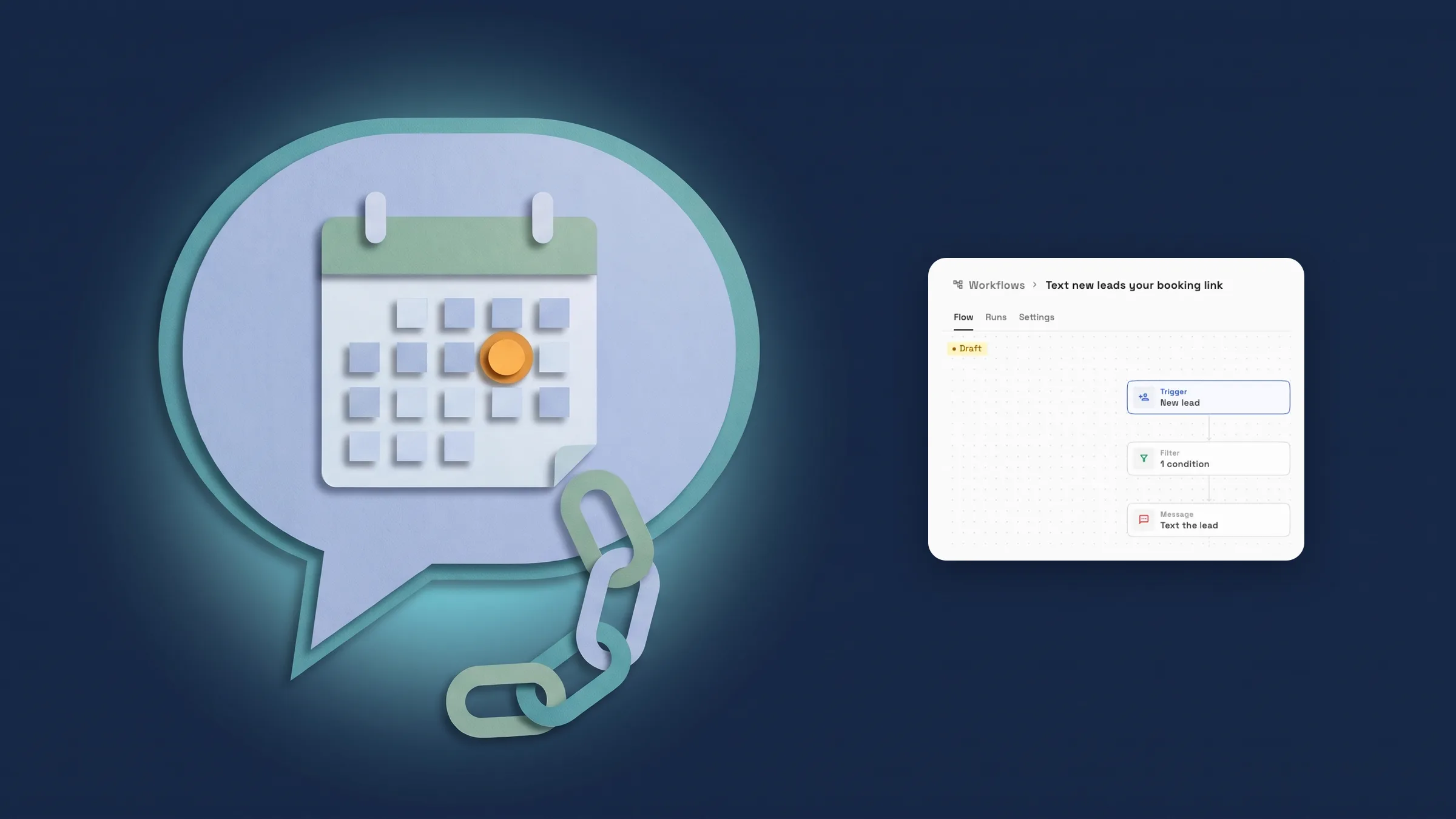
Text new leads and missed callers your booking link
Two new starter templates do it for you. In Workflows, choose New workflow and open Leads for Text new leads your booking link: it starts on New lead, only continues when SMS consent is Yes, and sends one text that greets the lead by name, thanks them for reaching out to your business, gives your booking link and ends with "Reply STOP to opt out." Open Inbox for Text missed callers your booking link: it starts on Call missed and texts the caller a link to book a time. Pick Use template and you get a draft you can edit before it goes live.
To put the link in any message of your own, open Insert variable in a step and choose Booking page link from the Workspace group. It fills in the public link of your live default booking page, or your only live page. With two live pages and no default, or none at all, a step that uses it is not sent and the run tells you why.
SMS consent is also a new filter on the New lead, Lead status changed, Lead assigned and Lead converted to client triggers, with Yes and No to choose from. It matches the SMS consent box on your forms, so a lead who did not tick it does not match a Yes filter. Text steps need Voyager or above, and the booking link needs a booking page, so these templates are for Specialist, Commander and Enterprise; on a lower plan they show the plan lock. It is on the web app now and comes to the iPhone app with its next update.
- Two templates: one for new leads, one for missed callers
- Booking page link in the Workspace group of Insert variable
- SMS consent filter on four lead triggers
- Where to find it
- Workflows
- New workflow
- Leads or Inbox
- Use template
- Plans
- Specialist and up
Create a task from the top bar
The full-page New task screen now saves from a bar at the top. On a computer it shows the breadcrumb, such as Tasks / your board / New task, with Create another, Cancel and Create task beside it, and ⌘↵ (Ctrl ↵ on Windows) saves from the keyboard. On a phone the bar reads Cancel, the title and Create. A task you are creating can't be cancelled while it is saving. It is on every plan, on the web app now, and comes to the iPhone app with its next update.

- Where to find it
- Tasks
- New task
- Plans
- Every plan
- Learn more
- ScheduleProjects, tasks and scheduling
Save bills, vendors, fixed assets and journal entries from the top bar
The Accounting create screens for a bill, a vendor, a fixed asset and a journal entry now save from the same top bar. On a computer it shows the breadcrumb, such as Accounting / Create Bill, with Cancel and the main button beside it, and ⌘↵ (Ctrl ↵ on Windows) saves. On a phone the bar reads Cancel, the title and the main button. The save buttons at the end of the bill, vendor and fixed asset forms are gone. These screens are on Commander and Enterprise. It is on the web app now and comes to the iPhone app with its next update.
- Where to find it
- Accounting
- Bills, Vendors, Fixed Assets or Journal Entries
- add one
- Plans
- Commander and up
- Learn more
- AccountingExpenses
Quick answers
- How do I text a new lead my booking link?
- In Workflows choose New workflow, open Leads and use Text new leads your booking link. It runs when a new lead arrives and sends one text, only when the lead's SMS consent is Yes.
- How do I text someone who calls and I miss them?
- Use the Text missed callers your booking link template under Inbox in New workflow. It starts on Call missed and texts the caller a link to book a time.
- Which plans can send the booking link by text?
- Specialist, Commander and Enterprise. Text steps need Voyager or above and booking pages start at Specialist, so a lower plan shows the plan lock on these templates.
- What does the SMS consent filter match?
- The SMS consent box on your forms. The filter is on New lead, Lead status changed, Lead assigned and Lead converted to client, and a lead who did not tick the box does not match Yes.
- Where do I find the Booking page link variable?
- In a workflow step, open Insert variable and look in the Workspace group for Booking page link.
- Can I save a new task or bill from the keyboard?
- Yes. On a computer New task saves with ⌘↵, or Ctrl ↵ on Windows, on every plan. On Commander and Enterprise the bill, vendor, fixed asset and journal entry screens save the same way.
Related updates
 The Builder API now comes with every plan
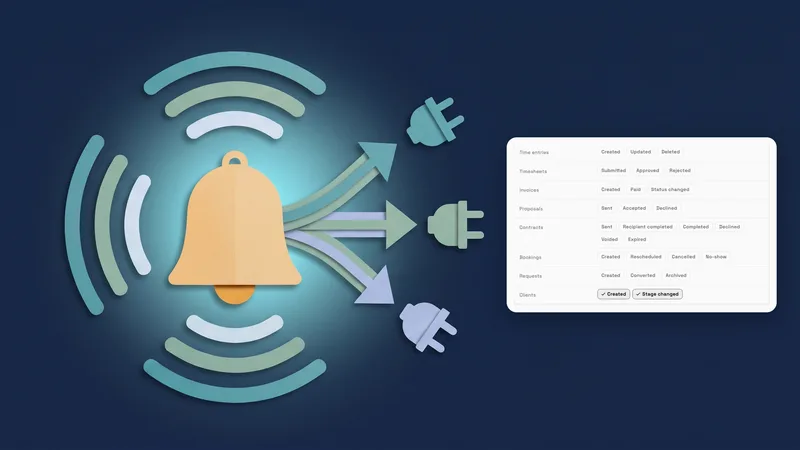 Webhooks for new clients and stage changes
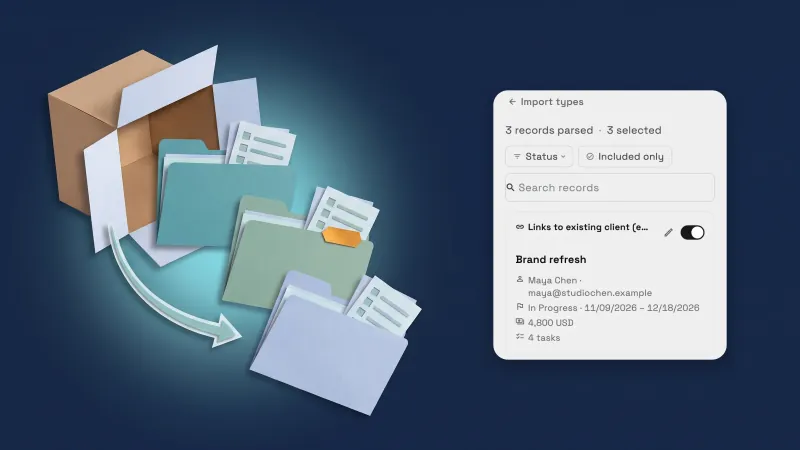 Import projects, and any tasks, from Dubsado, HoneyBook and more
Text new leads and missed callers your booking link, and save from the top bar, in your own workspace
Start your free trial on Commander, then find it under Workflows.
14-day free trial. Card required. After the trial: $299/month for Commander. Renews automatically every month until you cancel. Cancel anytime in Settings → Billing.