Google Workspace CRM: when spreadsheets are not enough
A problem-aware guide to Google Workspace as a CRM: the signs that Sheets, Gmail, and Drive break down as client work grows, and when to move to a connected workspace CRM.

By Simon Dziak, Founder, Workspace369 · LinkedIn
Google Workspace can become a basic CRM if the team is willing to build around spreadsheets, inboxes, files, forms, and calendars.
That can work for a while. A small team can track clients in Sheets, store documents in Drive, send emails from Gmail, collect intake through Forms, and schedule work in Calendar — how to use Google Workspace as a CRM walks that setup step by step.
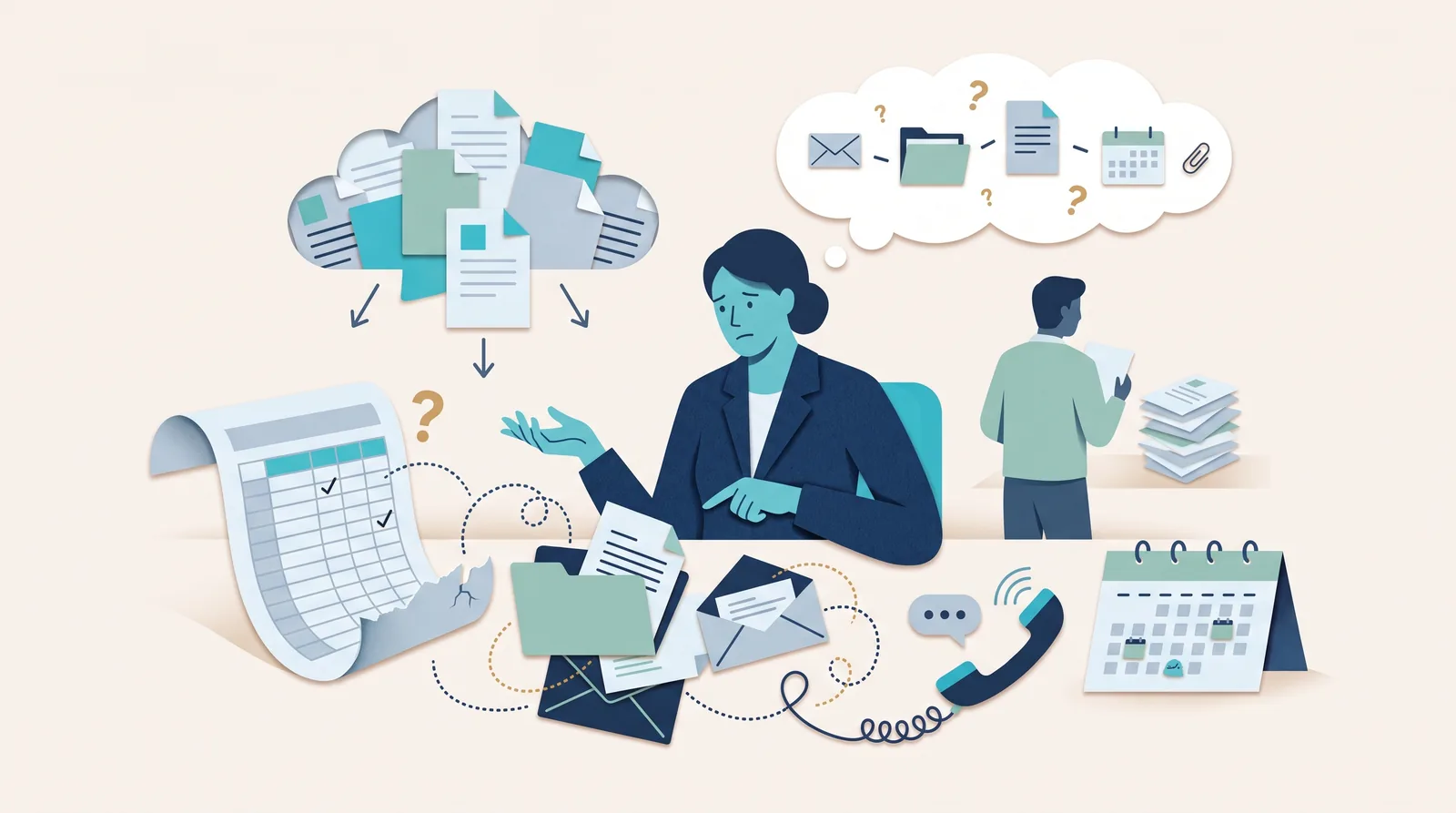
The problem is that a spreadsheet CRM usually becomes fragile when client work gets real.
What's inside?
Quick answerWhen Google Workspace works as a CRMWhere a spreadsheet CRM breaksWorkspace CRM comparisonWhy Workspace369 is differentFinal recommendation
Quick answer
Google Workspace does not include a dedicated CRM. Teams can use Google Sheets, Gmail, Drive, Forms, and Calendar as a lightweight CRM, but Workspace369 is stronger when client records need to connect to projects, inbox, SMS, voice, proposals, invoices, payments, files, AI, automations, and reporting. The CRM built for Google Workspace teams shows what that connected alternative looks like.
When Google Workspace works as a CRM
Google Workspace can be enough when:
- The client list is small
- One person owns most follow-up
- The workflow is mostly email and simple notes
- Deals, projects, invoices, and payments are tracked somewhere else
- Reporting does not need to connect to the actual work
For early-stage operators, a spreadsheet CRM can be practical. It is cheap, familiar, and flexible.
Where a spreadsheet CRM breaks
The problems usually show up when a client asks a simple question:
- What did we quote?
- Did the invoice get paid?
- Who is assigned?
- What was discussed on the last call?
- Which files are approved?
- What tasks are blocked?
- Did anyone follow up by SMS?
- What is the total value of this client?
Answering those questions from Google Workspace often means opening Sheets, Gmail, Drive, Calendar, Docs, and another invoicing or project tool.
That is not really a CRM anymore. It is a manual operating system.
Workspace CRM comparison
| Capability | Google Workspace workaround | Workspace369 |
|---|---|---|
| Client records | Google Sheets or custom tables | Built-in CRM with profiles, notes, tags, activity, and history |
| Intake | Google Forms and manual routing | Requests, forms, lead source tracking, and client context |
| Projects | Sheets, Docs, Calendar, or a separate PM app | Projects, tasks, files, notes, calendar, and assignments |
| Communication | Gmail plus separate phone/SMS tools | Inbox, SMS, voice, voicemail, templates, AI summaries, and follow-up |
| Billing | Separate invoice/payment app | Proposals, invoices, payment links, plans, retainers, and reports |
| Reporting | Manual spreadsheet summaries | Dashboards, AR, client activity, profitability, and operations reporting |
Workspace369 is our product, so weigh this comparison accordingly — the rows above are exactly what we evaluated.
Why Workspace369 is different
Workspace369 is built as a workspace CRM, not a spreadsheet template.
The difference is that the client record can continue into the work:
- Capture the request.
- Open the client profile.
- Manage the project.
- Send messages, calls, and follow-ups.
- Attach files and notes.
- Send proposals and invoices.
- Collect payment.
- Report on the client and operation.
That is the point where a dedicated workspace CRM becomes more valuable than another tab in a spreadsheet.
Final recommendation
Use Google Workspace as a lightweight CRM if the workflow is simple and manual.
Use Workspace369 when the team needs CRM, projects, inbox, SMS, voice, proposals, invoices, payments, files, AI, automations, and reporting connected in one client-work system.
Put it into practice
Run client follow-up in one workspace.
CRM, inbox, voice, invoicing, payments, projects, files, AI, and workflow automations — connected instead of exported.