Client portal updates

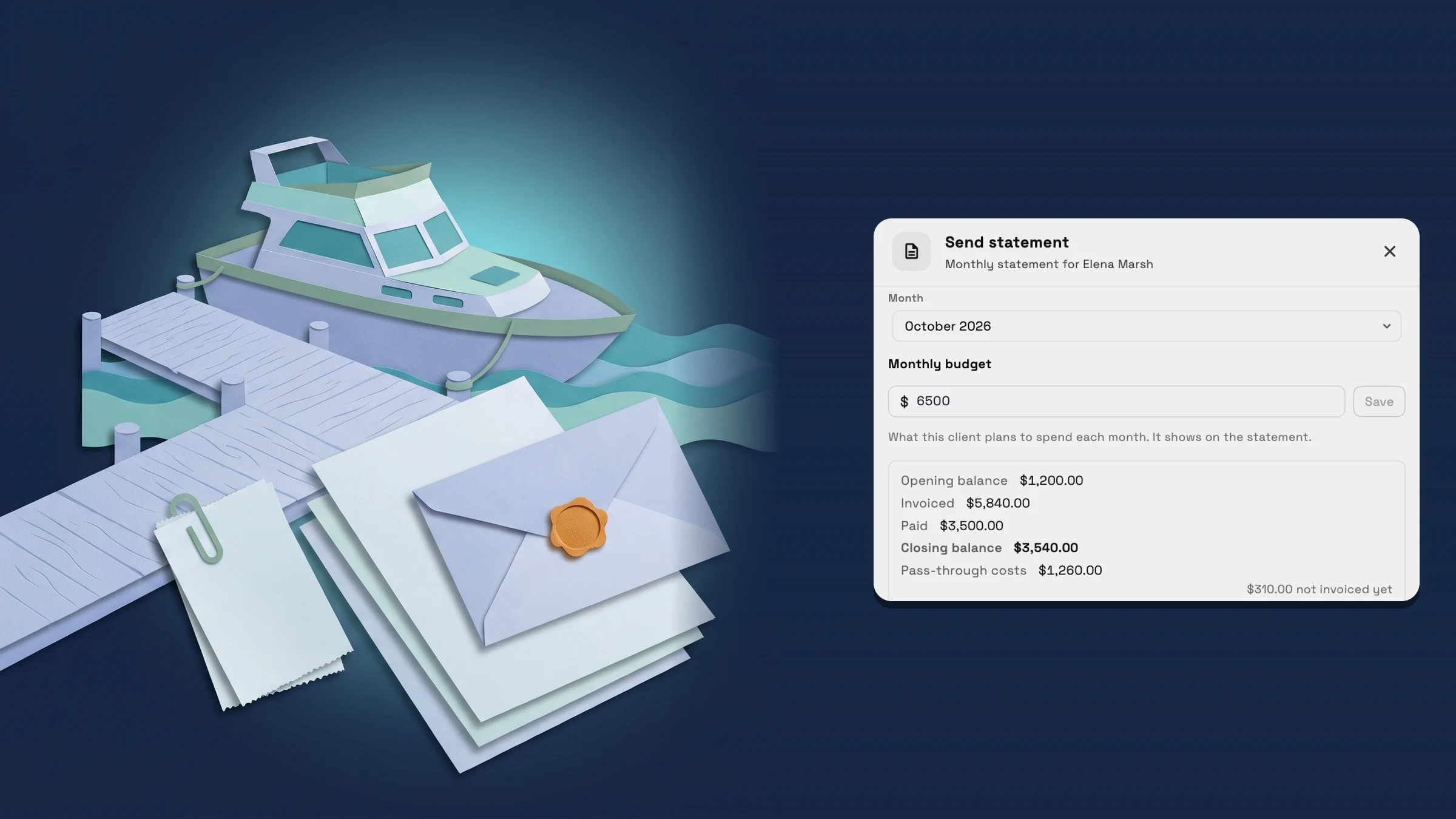
Workspace369 shipped 12 Client portal updates; the latest, on November 11, 2026, is Send each client a monthly statement with their invoices, payments and costs.

  1. Clients & CRMClient portal

    Programs and memberships now fit a phone

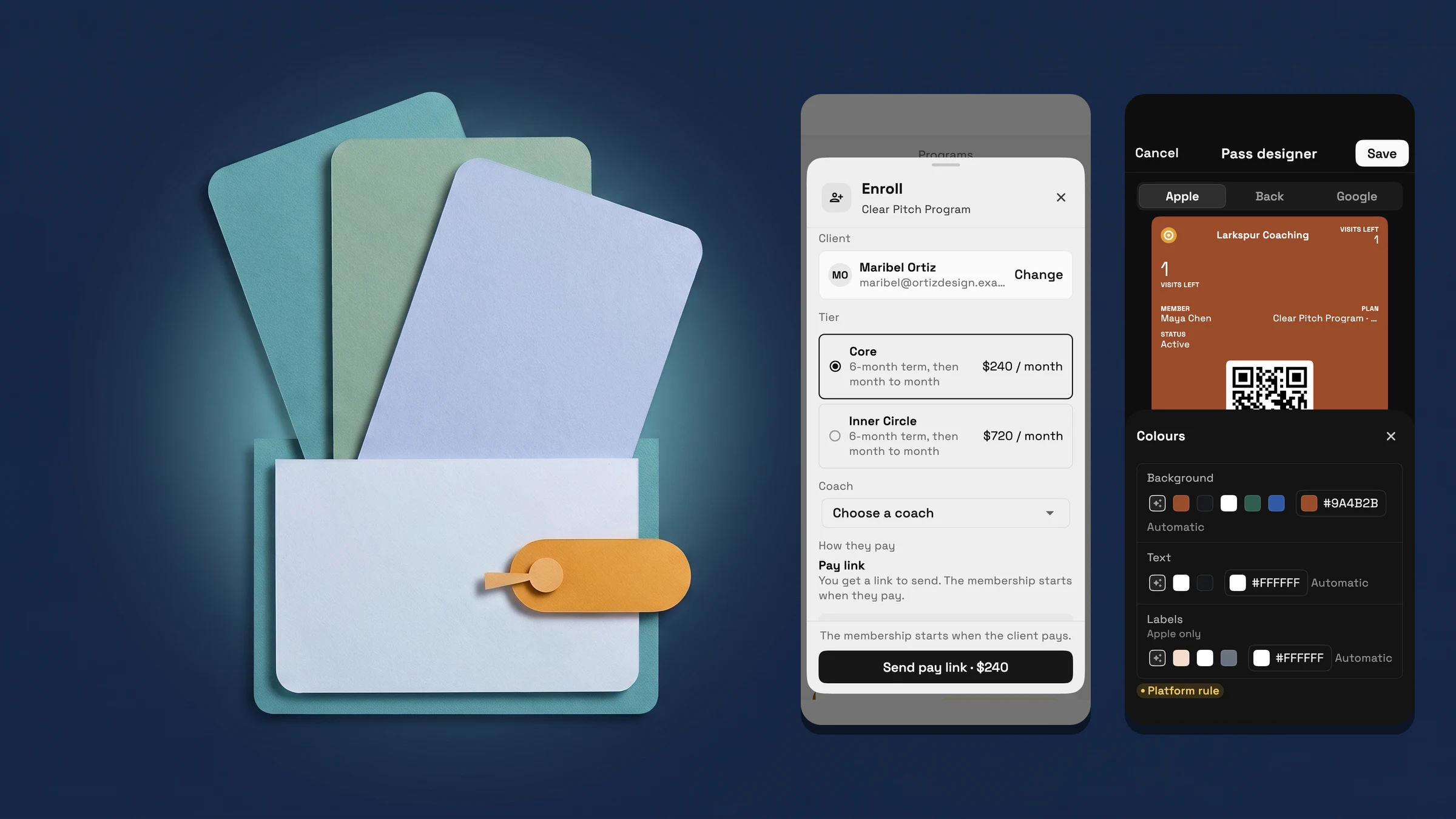
    Programs and memberships get a phone layout: a compact program page, member cards, buttons pinned in sheets, and a pass designer that keeps the pass in view as you edit.

    • A program page, member cards and pinned buttons built for phones
    • Design a member pass on a phone and watch it change
    Read the release notes
  2. Billing & paymentsClients & CRMClient portal

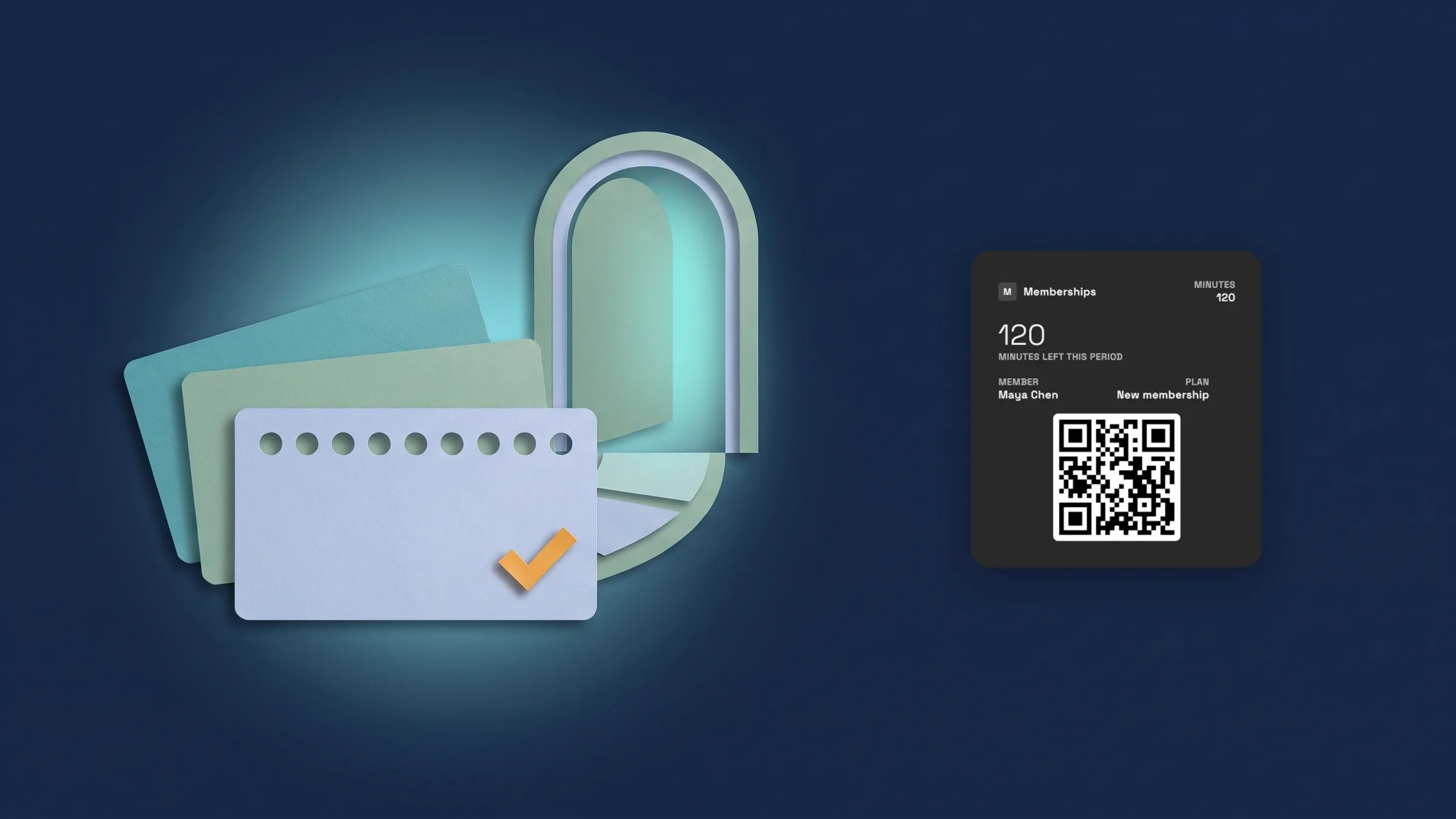
    Sell memberships and check members in

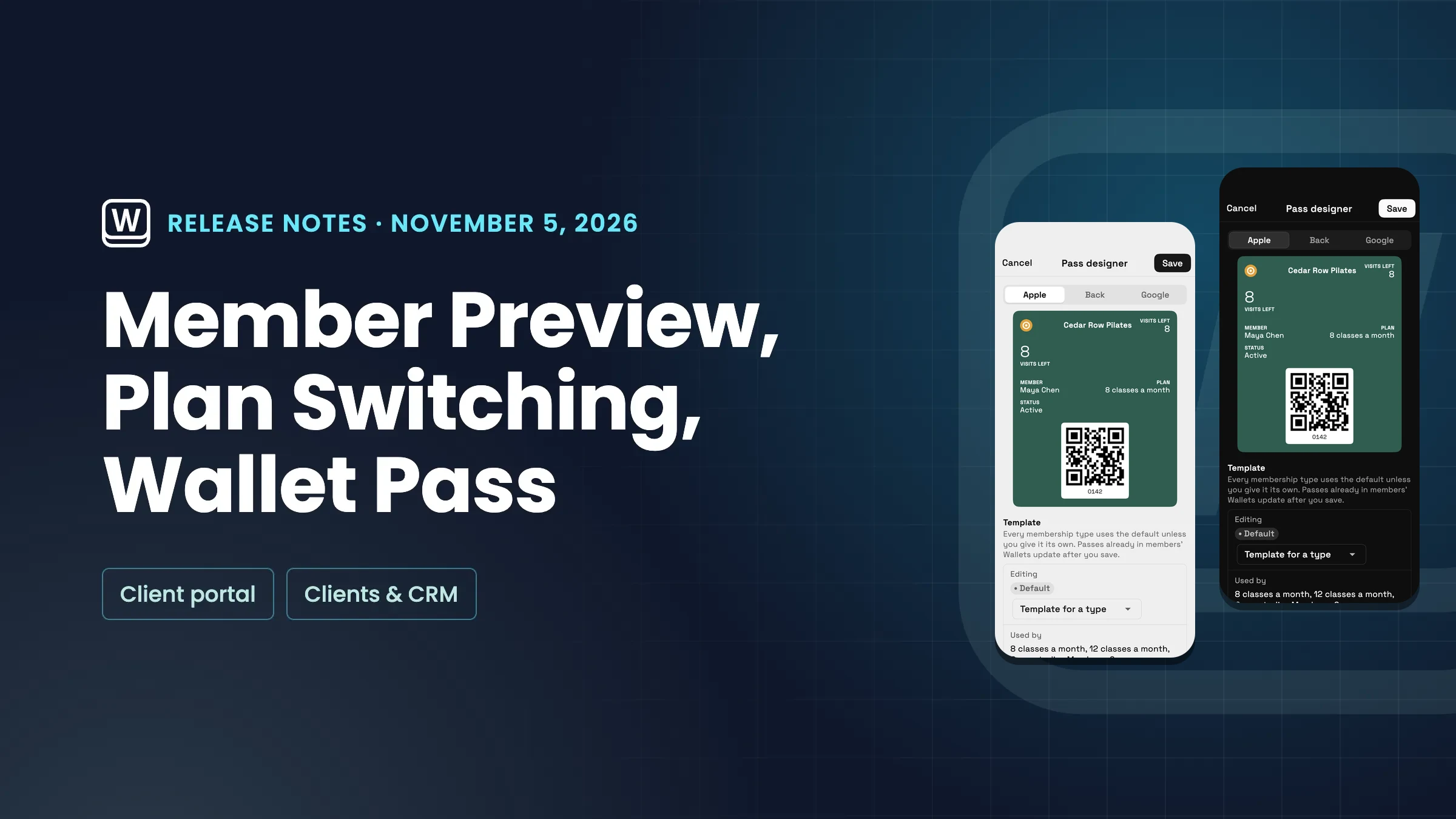
    Create membership types, sell them with a pay link through your own Stripe, check members in at the front desk, and let members see their pass in the client portal.

    • Build membership types from presets
    • Sell a membership with a pay link
    • See a member’s pass and payments, and change their plan
    • Check members in at the desk
    • Members see their membership and pass in the portal
    • See check-ins in the Check-ins report
    • See how your programs run in Programs & Sessions
    Read the release notes
  3. Clients & CRMBilling & paymentsClient portal

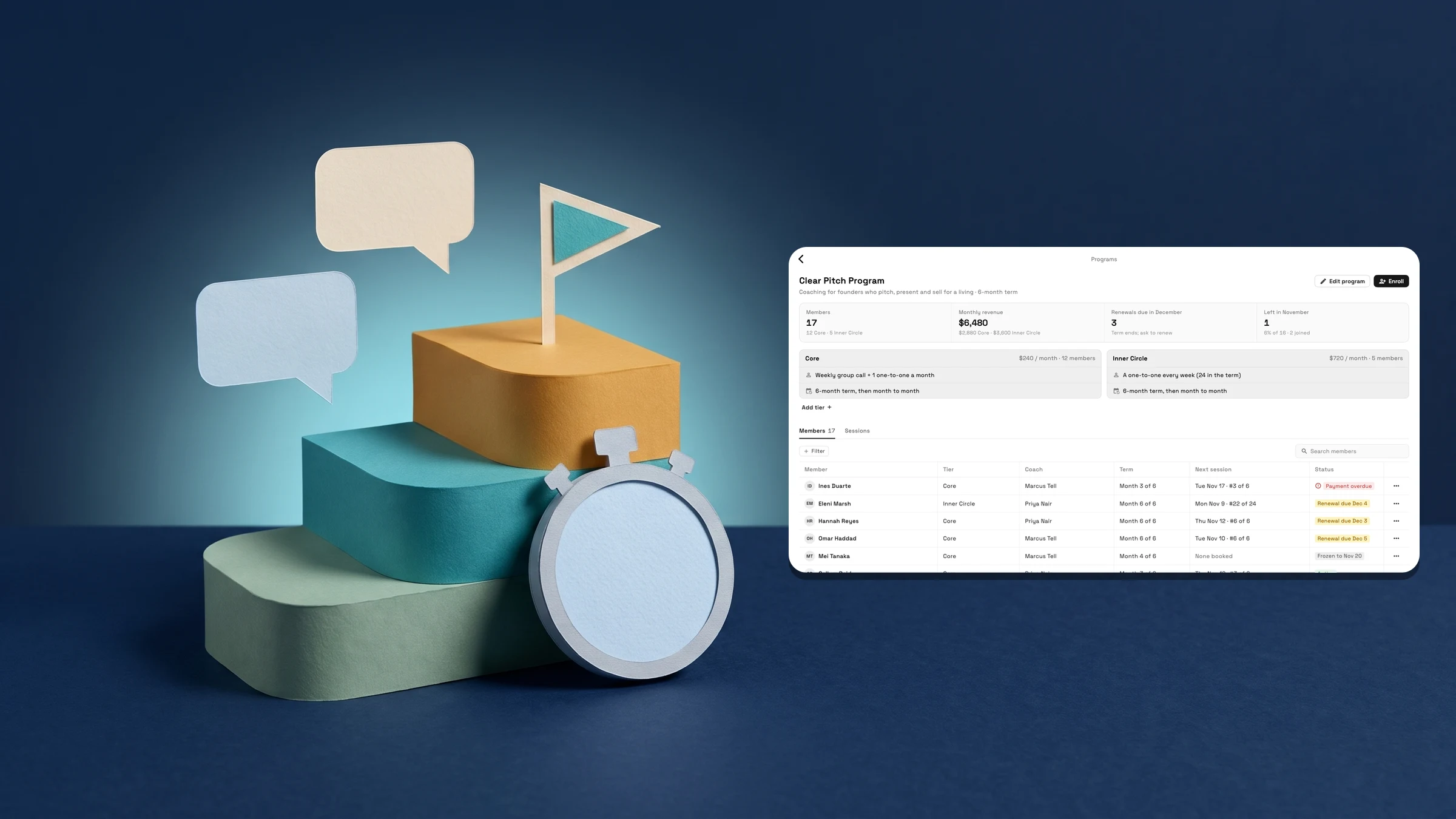
    Run coaching programs in Finance → Programs

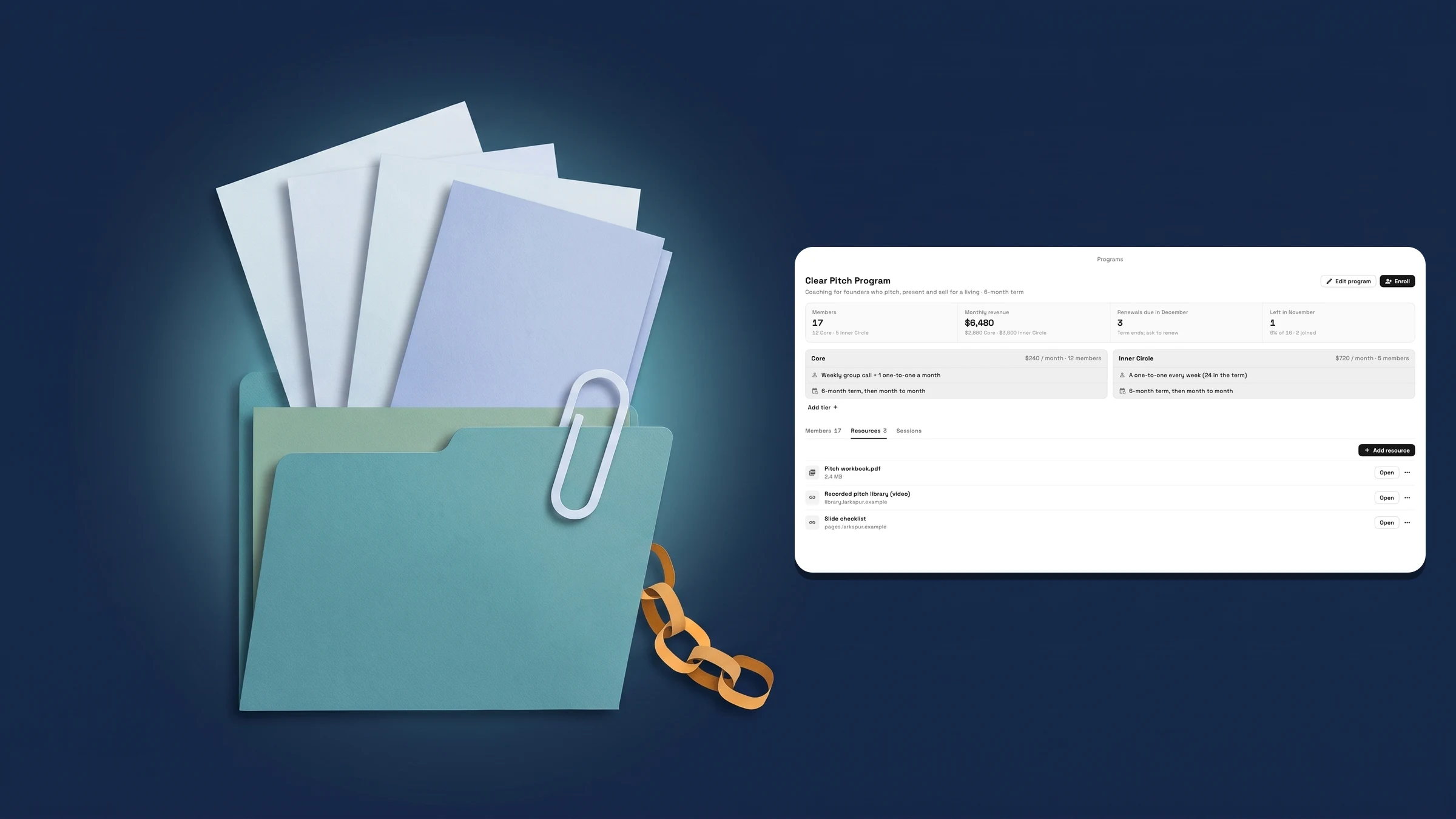
    Sell coaching in tiers, enroll a client with a coach and a pay link, and keep sessions and shared notes on their Program card. Clients see My program in the portal.

    • Sell coaching in tiers and enroll clients with a coach
    • Book sessions and share notes from the client's Program card
    • Clients see My program in the portal
    Read the release notes
  4. Billing & paymentsProposals & contractsCalendar & bookingClients & CRMWorkspace AIInbox & callsWorkflowsClient portalWorkspace & teamProjects, tasks & time

    October 2026: Flash Pay, a new proposal builder, deeper booking and AI in your CRM

    Flash Pay, retainers and more ways for clients to pay; a new proposal builder with packages; deeper online booking; and CRM tools with AI lead scoring and setup.

    • Get paid more ways: Flash Pay, payment methods, tips, retainers and autopay
    • No-show fees and tips for online bookings
    • A new proposal builder, pick-one packages and Write with AI
    • Pick a cover for your proposal
    • Google events, Meet on every plan, no-show status and services on events
    • Deeper online booking: approval by day, team members, limits, one-time links and a clearer setup
    • Set up your CRM with AI and turn client notes into follow-ups
    • AI lead scoring labels new requests hot, warm or cold
    • AutoPilot chat, approvals for connected AI apps and the ChatGPT plugin
    • Client emails in your brand, a calmer Emails inbox and AI writing help
    • Reusable text messages with a default for each message type
    • Workflows with decisions, drafts and project triggers, and webhooks on every plan
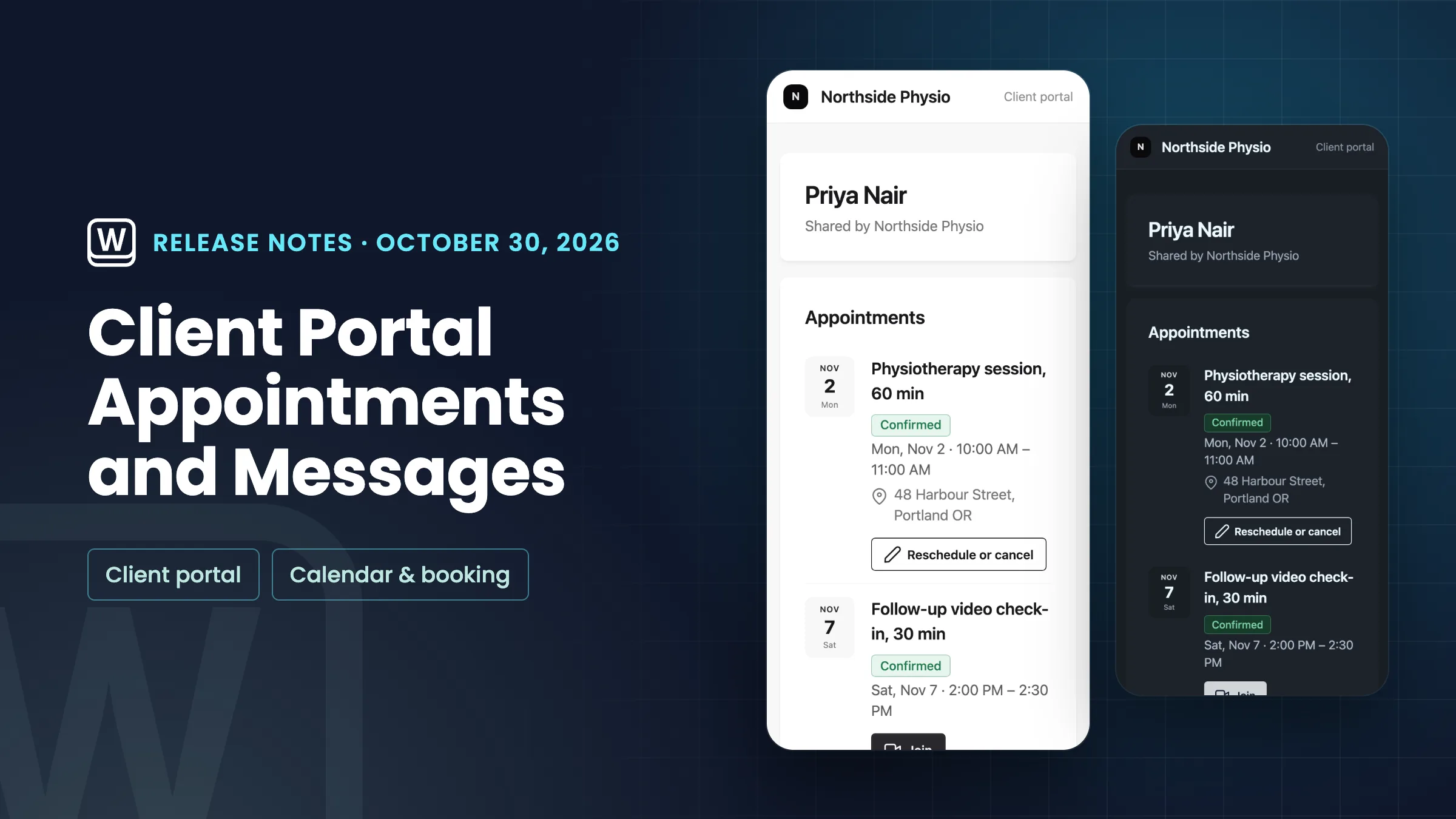
    • Messages on the client portal, and an easier way to style it
    • Appointments on the client portal
    • Hide the Powered by Workspace369 credit
    • A new Home, guided setup, linkable settings and clearer plan prompts
    Read the release notes
  5. Proposals & contractsBilling & paymentsClients & CRMWorkspace AICalendar & bookingProjects, tasks & timeWorkflowsClient portalWorkspace & team

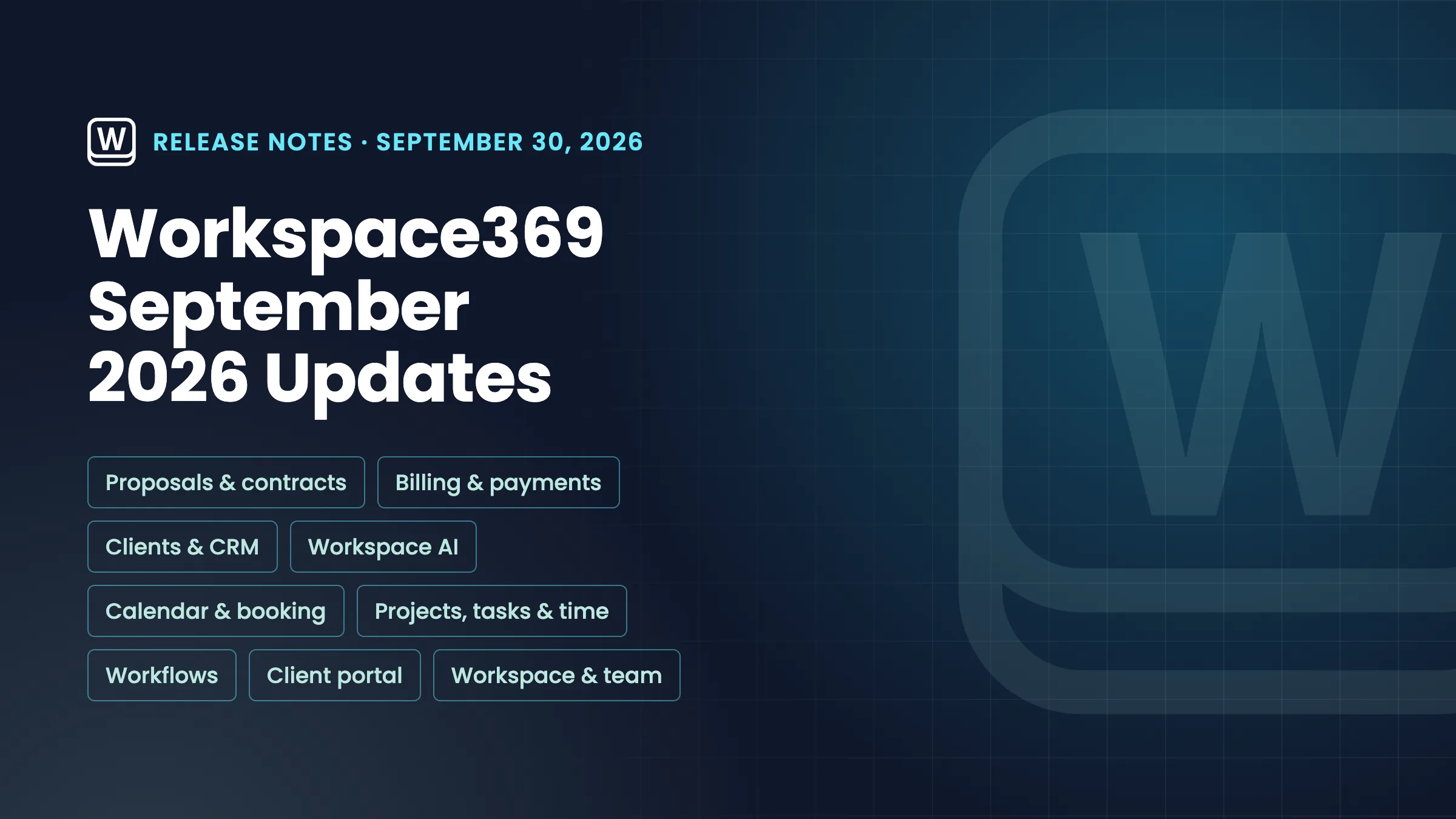
    September 2026: e-signature contracts, AutoPilot Today, client stages and branded portals

    Send contracts for e-signature, run your day from AI AutoPilot Today, track clients through stages, brand client portals, and rebuilt workflows, tasks and Settings.

    • Contracts you send for e-signature
    • Change orders for accepted proposals and paid invoices
    • Design the invoice page your clients open
    • Client stages, follow-ups and a Requests form builder
    • AI AutoPilot Today, Client Health and watches on money, projects and tasks
    • A morning briefing and message sorting
    • Create calendar events by dragging, with Google Meet and guest invites
    • Tasks, time tracking and files rebuilt
    • Workflows rebuilt with a table, templates, test runs and AI drafting
    • Client portals in your brand, and a private portal for each client
    • Invite teammates and add seats in one place
    • Settings in groups with search, and text size per device
    Read the release notes

See where Workspace369 fits into your client-work flow.

Start with the modules you need today, then turn on AI, automations, accounting, inventory, requests, and reporting as the operation grows.

14-day free trial. Card required. After the trial: from $29/month. Renews automatically every month until you cancel. Cancel anytime in Settings → Billing.