Calendar & booking updates

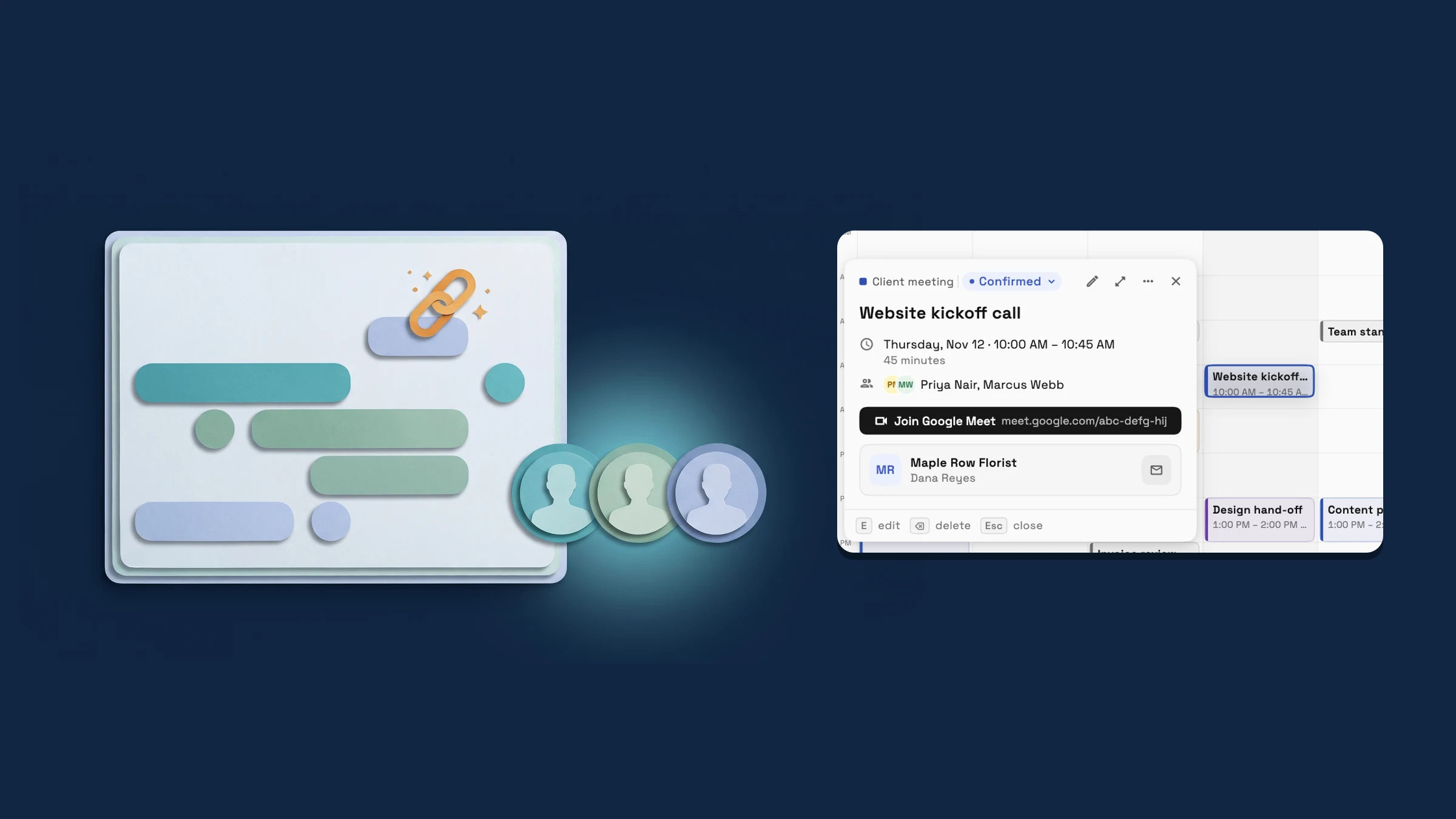
Workspace369 shipped 19 Calendar & booking updates; the latest, on November 12, 2026, is The Google Meet link appears on your event live, and the Team picker shows photos.

  1. Billing & paymentsCalendar & booking

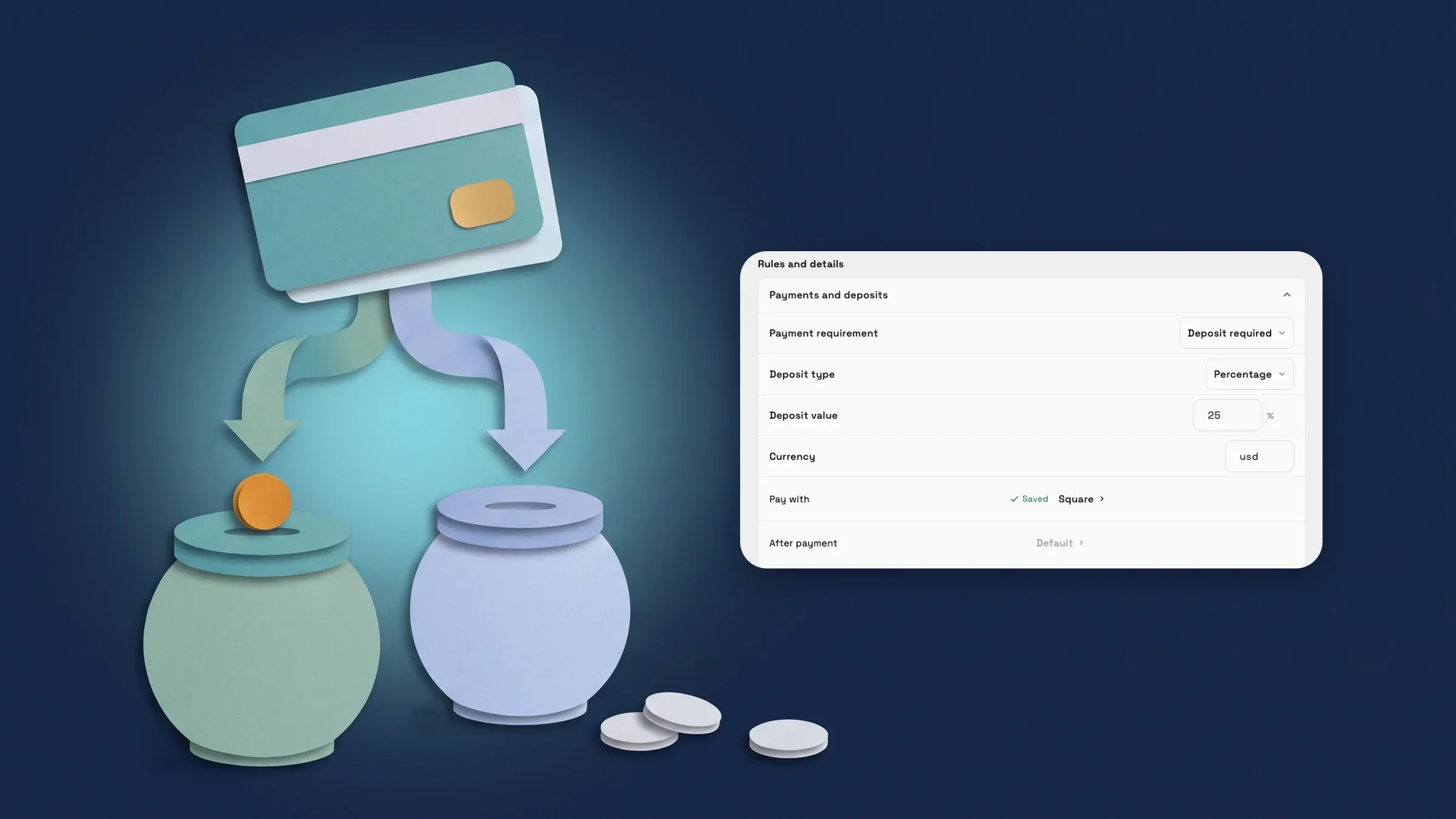
    Take payments through your own Square account

    Connect your own Square account so clients pay invoices, pay links and proposal deposits by card or Google Pay, and choose Stripe or Square for each payment.

    • Connect your own Square account
    • Choose Stripe or Square for each payment
    • Take booking deposits through Square
    • Refund a Square card payment from the invoice
    Read the release notes
  2. Billing & paymentsProposals & contractsCalendar & bookingClients & CRMWorkspace AIInbox & callsWorkflowsClient portalWorkspace & teamProjects, tasks & time

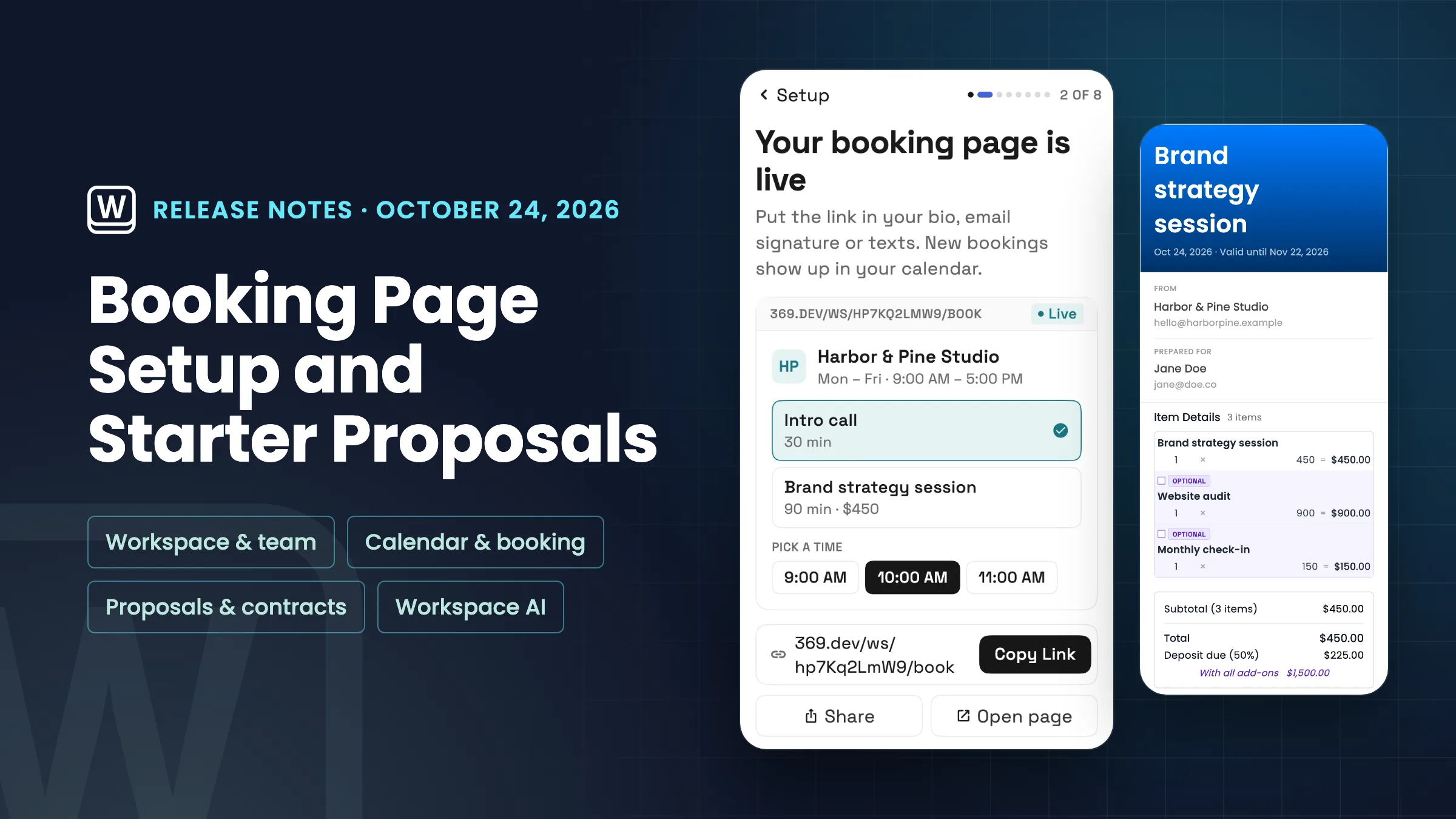
    October 2026: Flash Pay, a new proposal builder, deeper booking and AI in your CRM

    Flash Pay, retainers and more ways for clients to pay; a new proposal builder with packages; deeper online booking; and CRM tools with AI lead scoring and setup.

    • Get paid more ways: Flash Pay, payment methods, tips, retainers and autopay
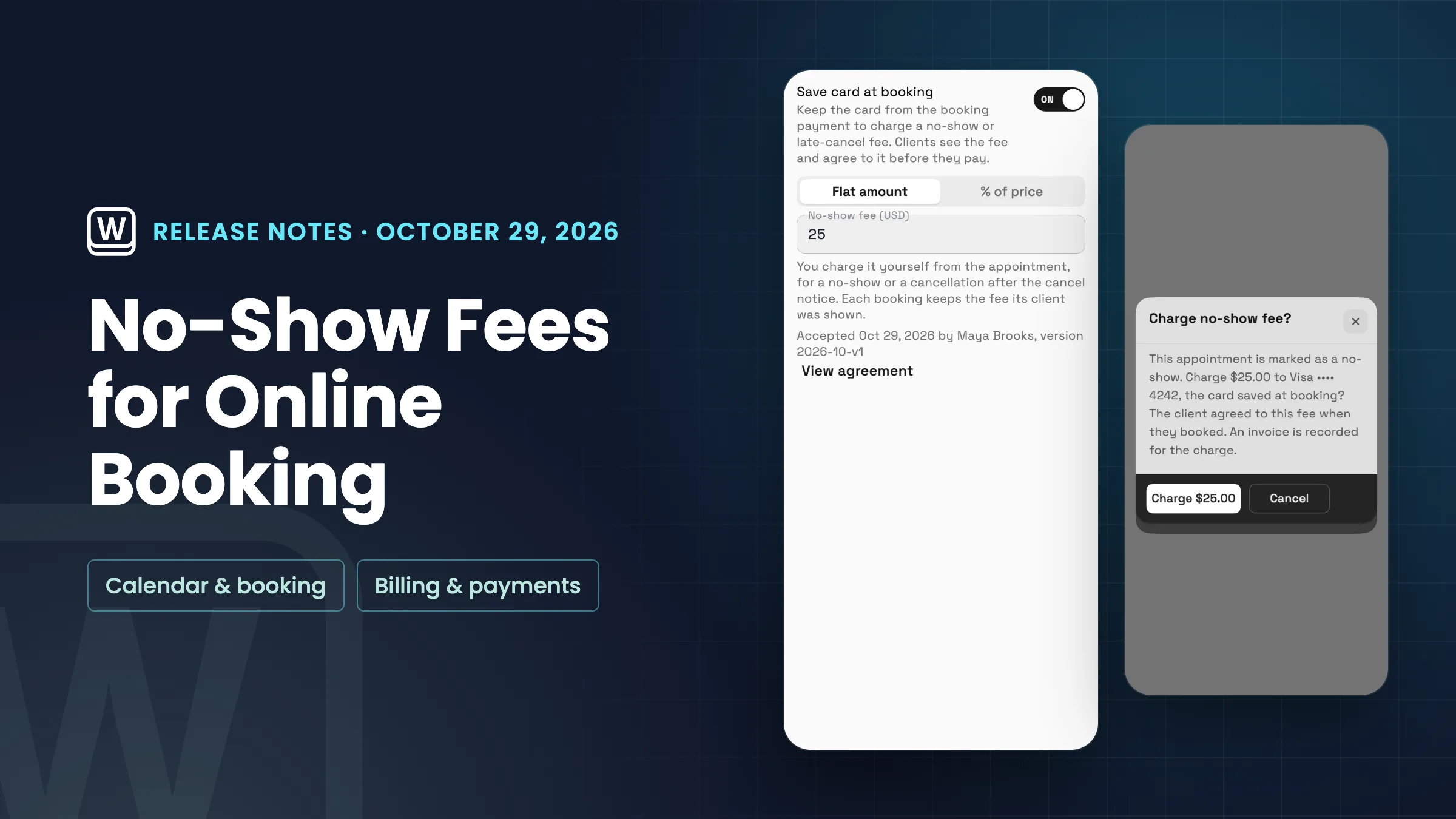
    • No-show fees and tips for online bookings
    • A new proposal builder, pick-one packages and Write with AI
    • Pick a cover for your proposal
    • Google events, Meet on every plan, no-show status and services on events
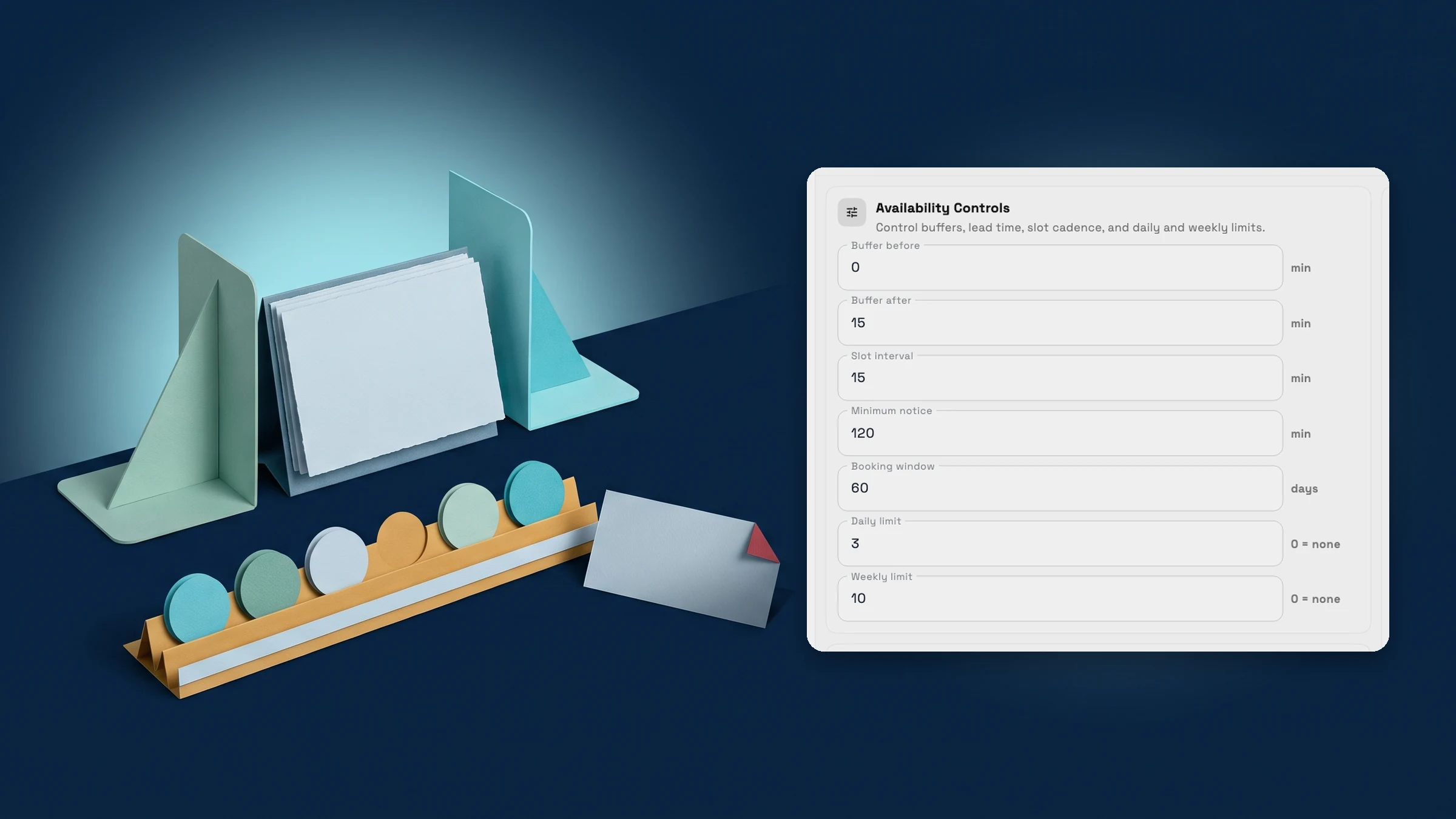
    • Deeper online booking: approval by day, team members, limits, one-time links and a clearer setup
    • Set up your CRM with AI and turn client notes into follow-ups
    • AI lead scoring labels new requests hot, warm or cold
    • AutoPilot chat, approvals for connected AI apps and the ChatGPT plugin
    • Client emails in your brand, a calmer Emails inbox and AI writing help
    • Reusable text messages with a default for each message type
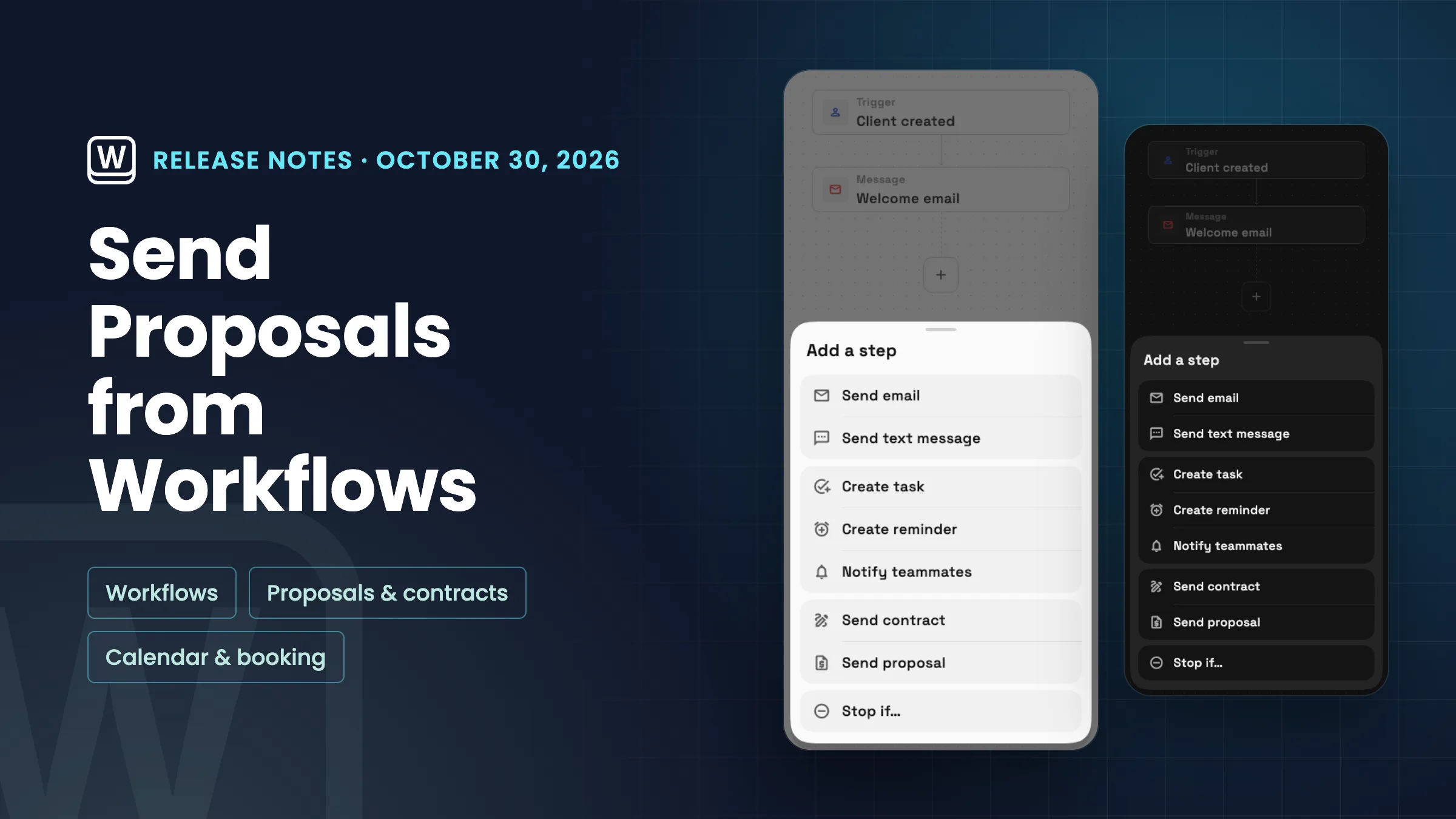
    • Workflows with decisions, drafts and project triggers, and webhooks on every plan
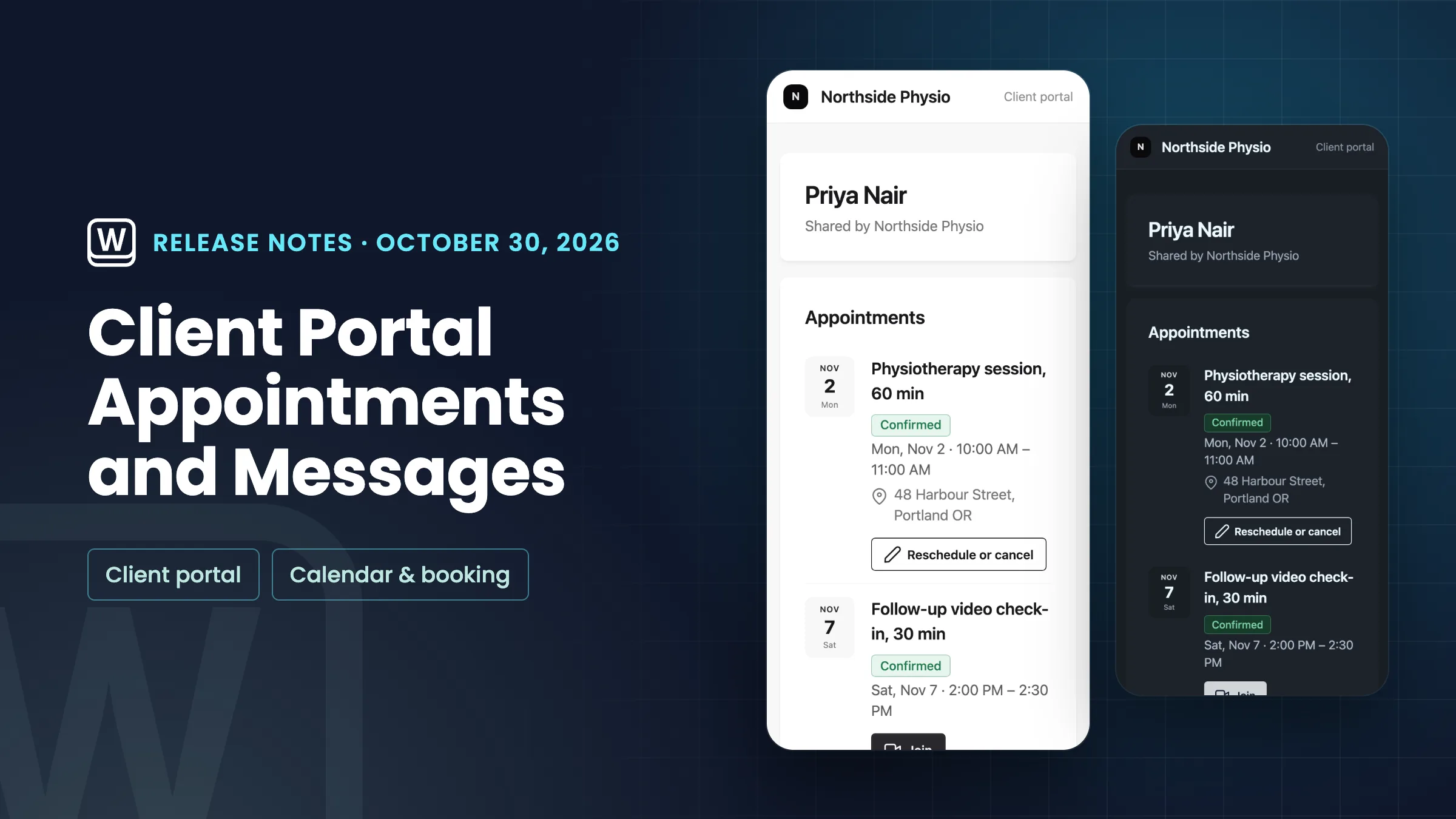
    • Messages on the client portal, and an easier way to style it
    • Appointments on the client portal
    • Hide the Powered by Workspace369 credit
    • A new Home, guided setup, linkable settings and clearer plan prompts
    Read the release notes
  3. Proposals & contractsWorkspace AICalendar & booking

    Pick-one proposal packages, Write with AI for proposals and services on calendar events

    Offer good, better and best packages your client picks from, draft a proposal with AI, put proposal totals in contracts and show services on calendar events.

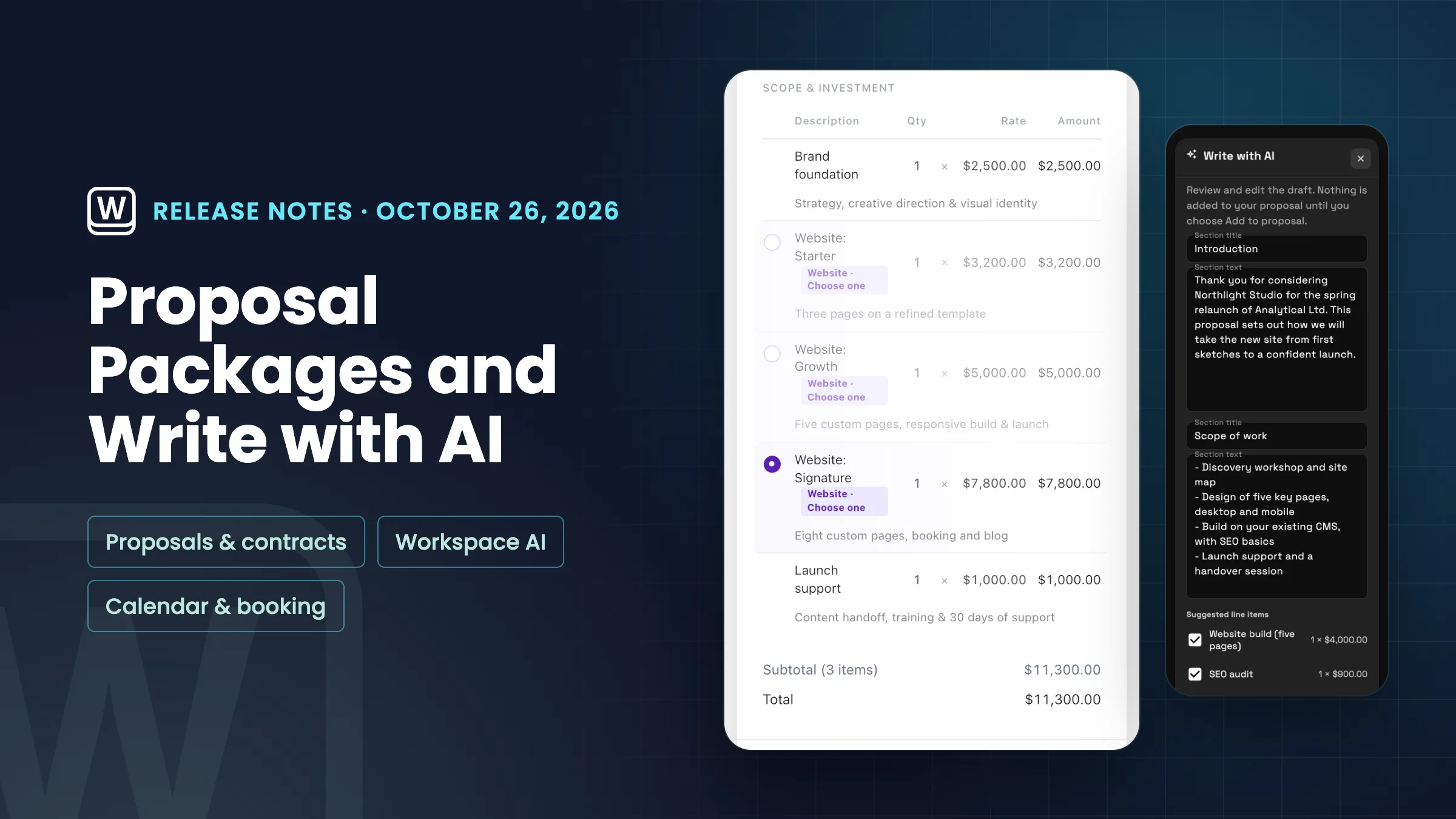
    • Pick-one packages: let your client choose good, better or best
    • Write with AI: draft a proposal's introduction, scope and line items
    • Put the proposal total and deposit in a contract
    • Services and products on calendar events
    Read the release notes
  4. Calendar & bookingBilling & paymentsWorkflows

    Send a booking link that works once, keep time free before each booking, let clients add a tip when they pay an invoice, and start workflows when a project is done.

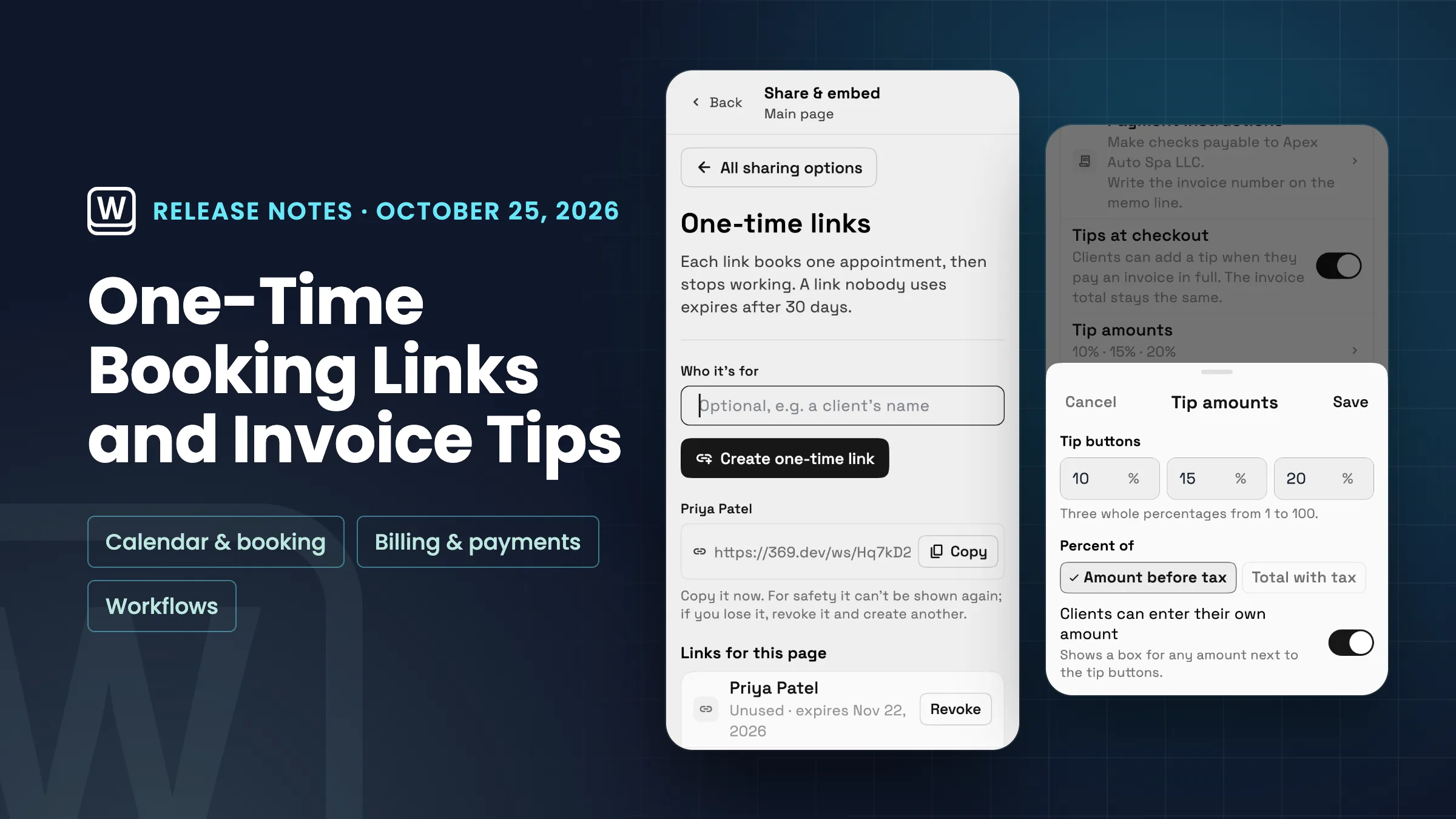
    • Booking links that work once
    • A buffer before each booking, and reminders you pick as chips
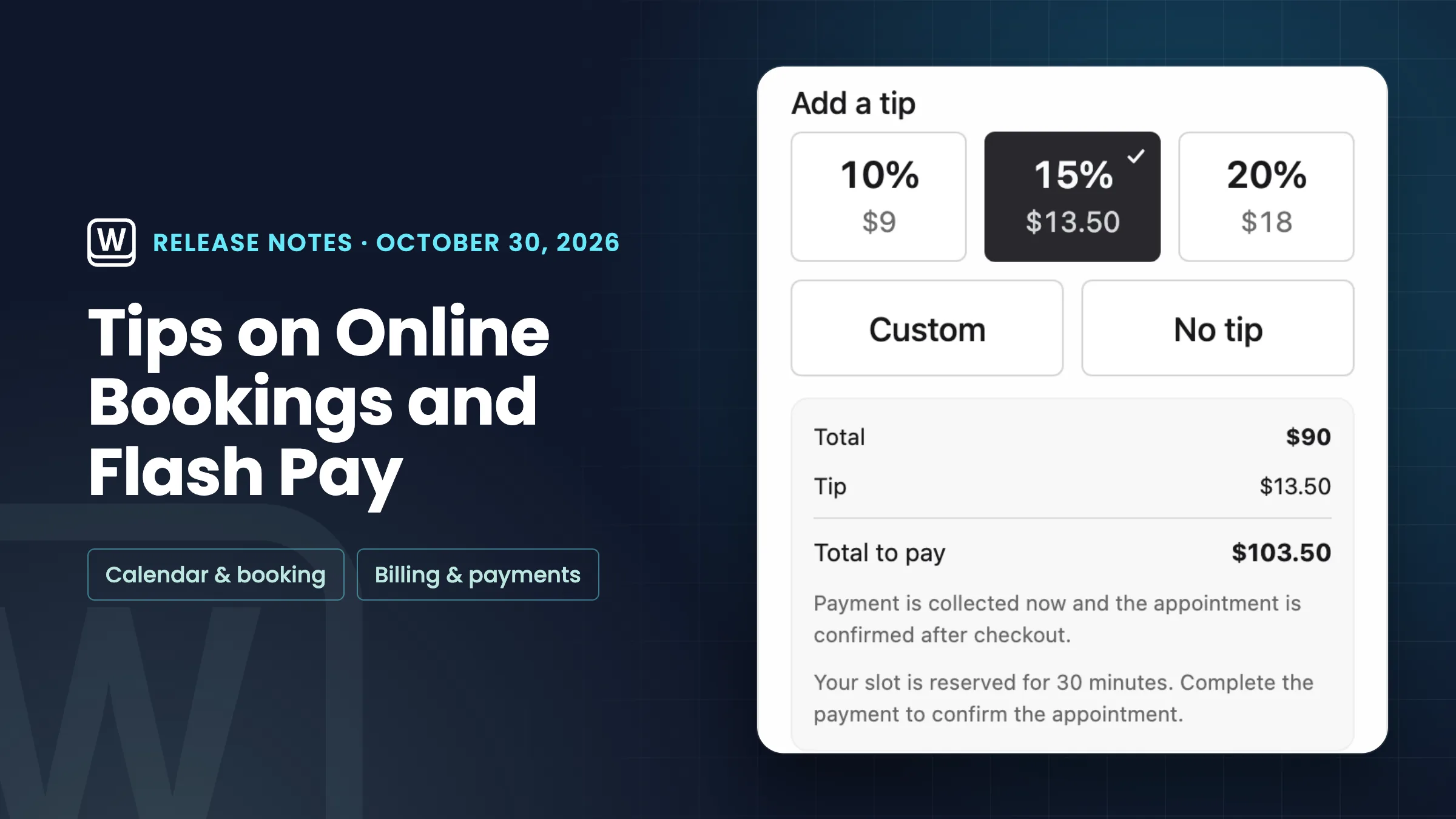
    • Let clients add a tip when they pay an invoice
    • Workflows that start when a project is done, and a Create project step
    Read the release notes
  5. Calendar & booking

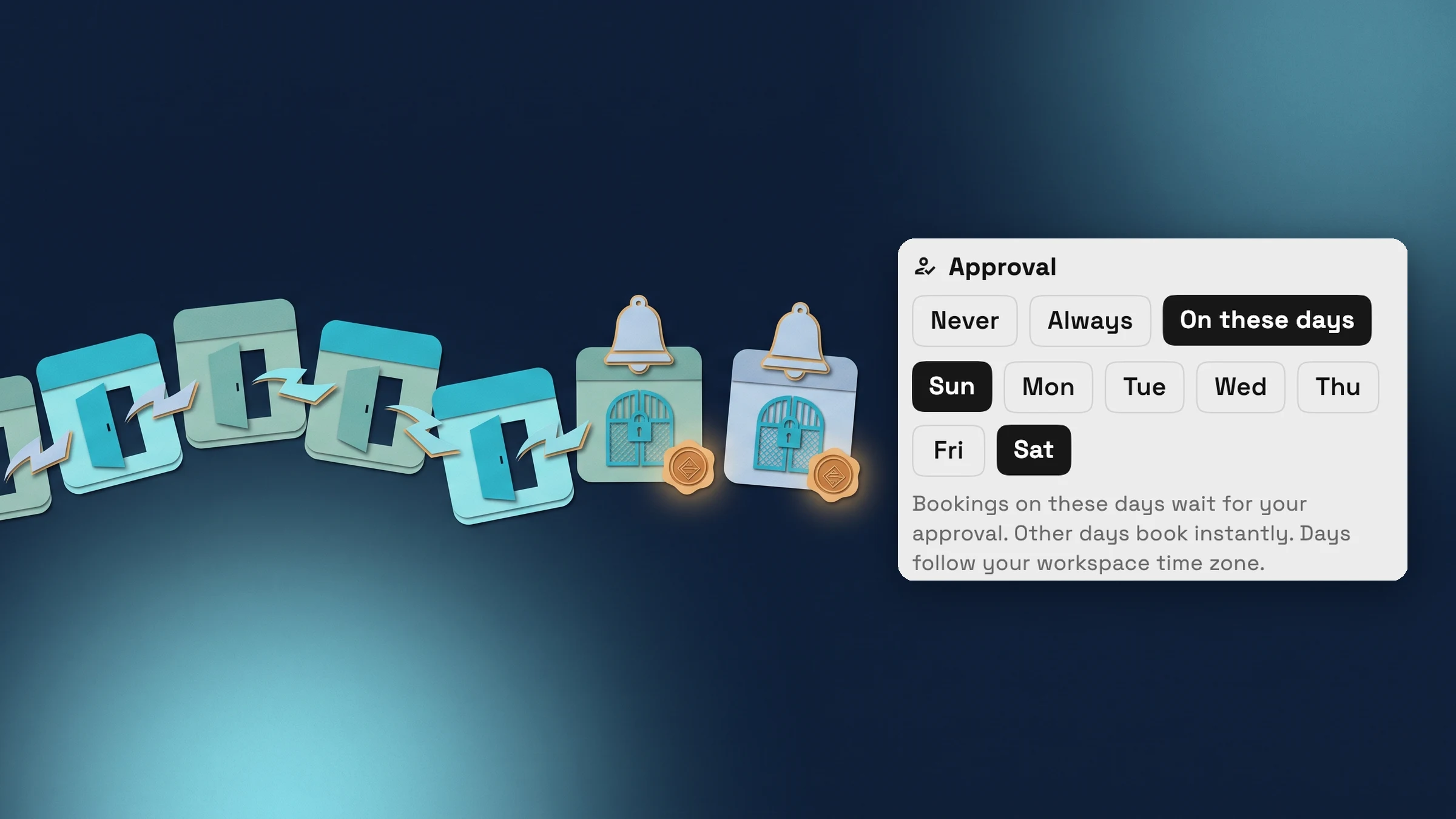
    Choose which days of the week bookings need your approval

    Bookings can now need your approval only on the days you pick, booking pages tag times Instant or Request, and embedded booking can record where new clients came from.

    • Approval on the days you pick
    • Clients see which times book instantly
    • See where a client booked through your website came from
    • A link to every booking page setting
    Read the release notes
  6. Billing & paymentsProposals & contractsCalendar & booking

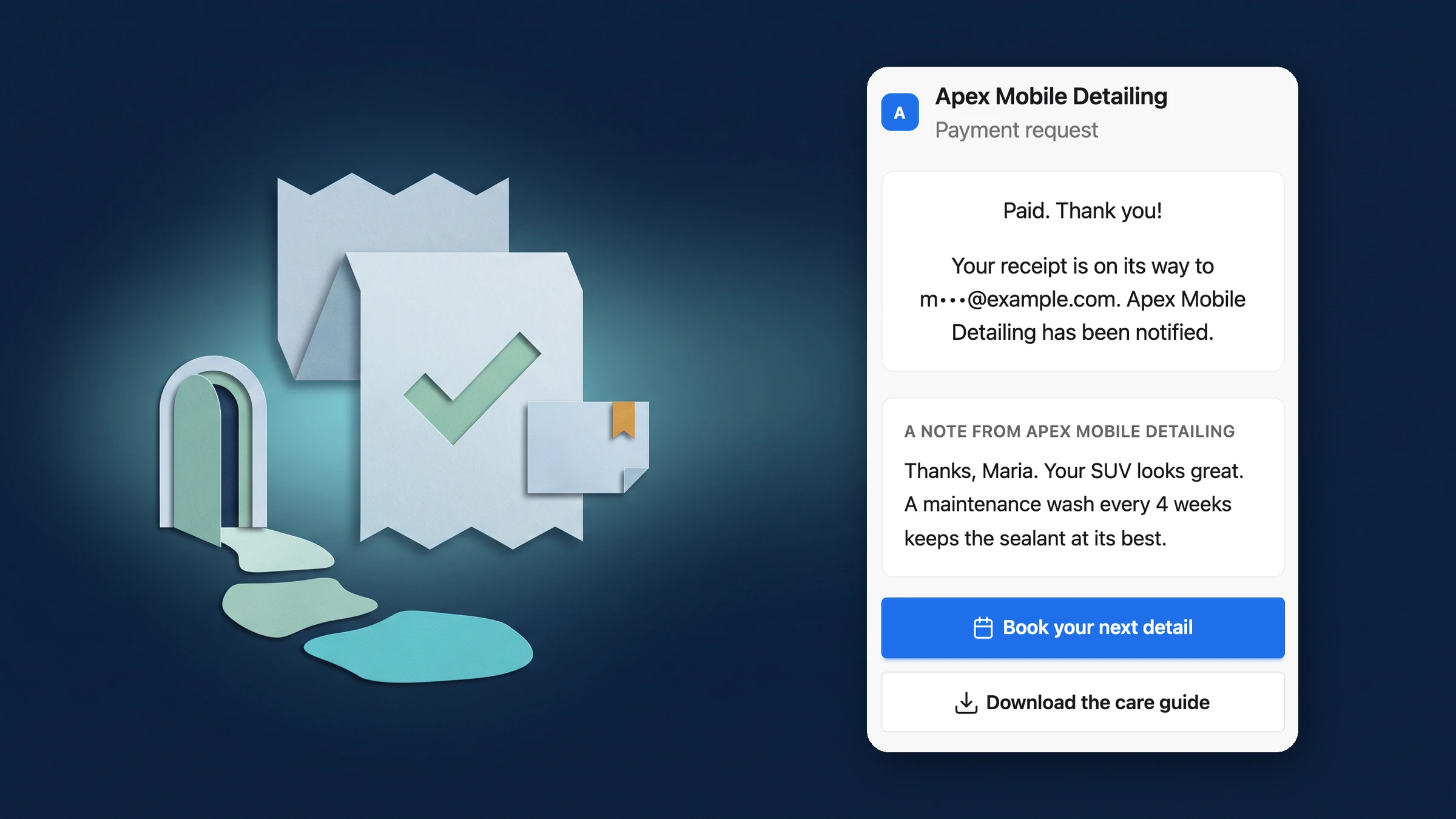
    Clients see your own thank-you page after they pay

    After a client pays an invoice, pay link, proposal or booking, they now see your note and next-step buttons under the confirmation, with an optional redirect to your site.

    • A note and next steps for clients right after they pay
    • Set it once for the workspace, change it per document
    Read the release notes
  7. Proposals & contractsBilling & paymentsClients & CRMWorkspace AICalendar & bookingProjects, tasks & timeWorkflowsClient portalWorkspace & team

    September 2026: e-signature contracts, AutoPilot Today, client stages and branded portals

    Send contracts for e-signature, run your day from AI AutoPilot Today, track clients through stages, brand client portals, and rebuilt workflows, tasks and Settings.

    • Contracts you send for e-signature
    • Change orders for accepted proposals and paid invoices
    • Design the invoice page your clients open
    • Client stages, follow-ups and a Requests form builder
    • AI AutoPilot Today, Client Health and watches on money, projects and tasks
    • A morning briefing and message sorting
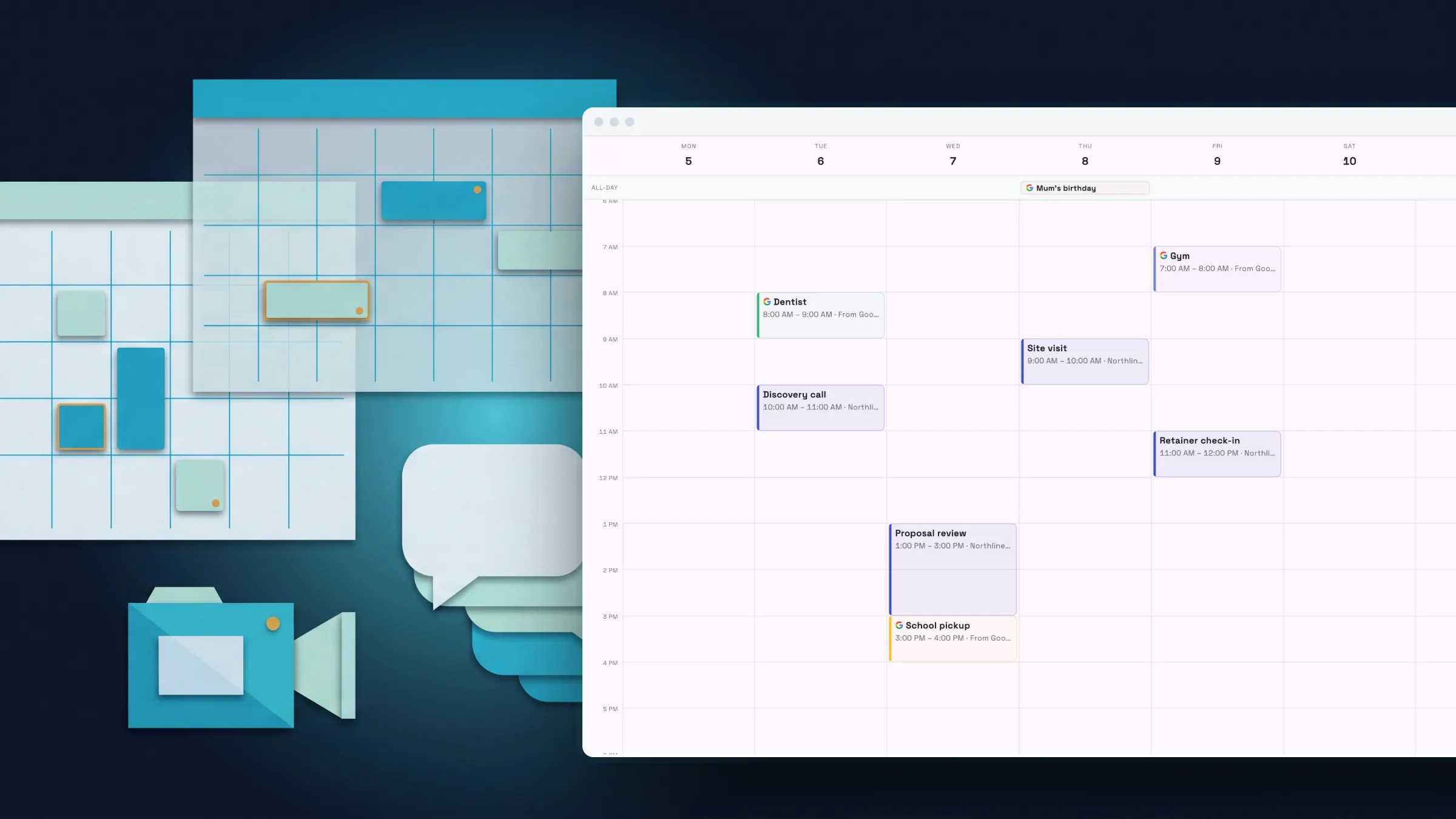
    • Create calendar events by dragging, with Google Meet and guest invites
    • Tasks, time tracking and files rebuilt
    • Workflows rebuilt with a table, templates, test runs and AI drafting
    • Client portals in your brand, and a private portal for each client
    • Invite teammates and add seats in one place
    • Settings in groups with search, and text size per device
    Read the release notes
  8. Calendar & bookingWorkflowsBilling & paymentsProjects, tasks & timeClients & CRM

    July 2026: a rebuilt calendar, funnels, inventory tracking and workflows with test runs

    A rebuilt calendar, funnels that capture leads into your CRM, inventory with low-stock alerts, workflows that create tasks, and invoices with a live preview.

    • A rebuilt calendar with week, month, day and team views
    • Workflows that create tasks and reminders, with test runs and logs
    • Build and publish funnels that capture leads into your CRM
    • Track stock with adjustments, low-stock alerts and a movement history
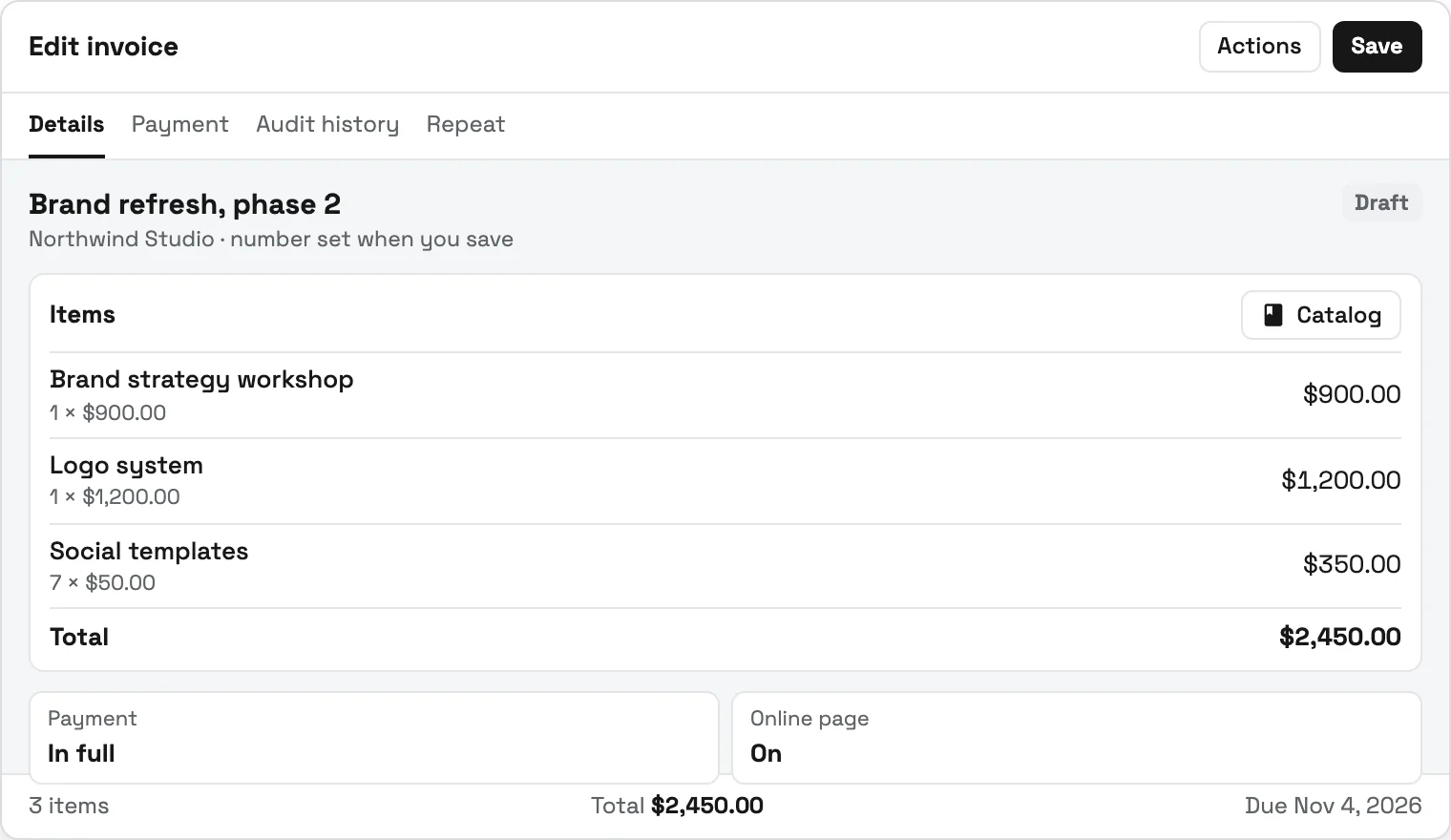
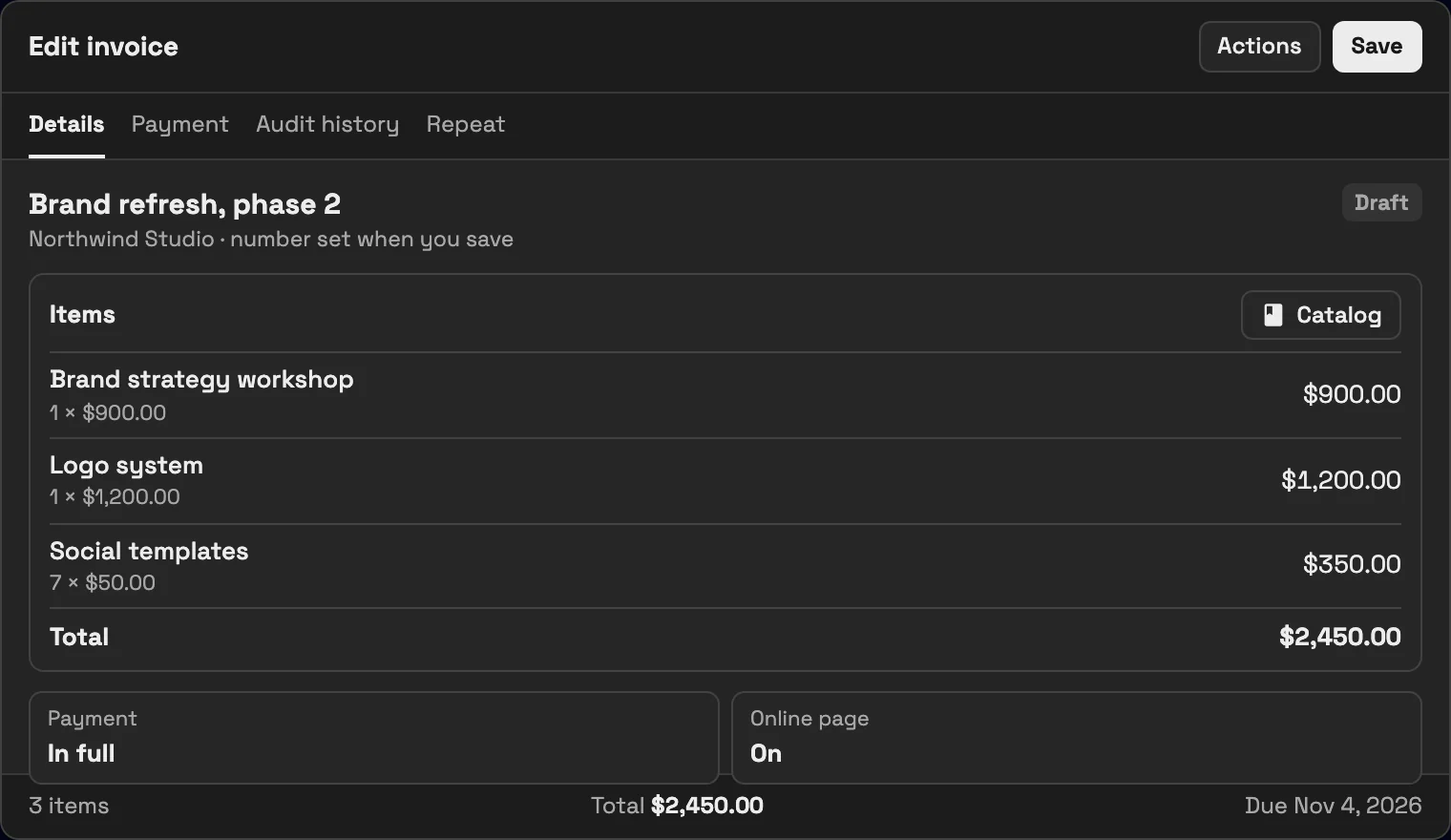
    • Invoices and proposals that look the part, with a live preview
    • Weekly timesheets with approvals
    Read the release notes

See where Workspace369 fits into your client-work flow.

Start with the modules you need today, then turn on AI, automations, accounting, inventory, requests, and reporting as the operation grows.

14-day free trial. Card required. After the trial: from $29/month. Renews automatically every month until you cancel. Cancel anytime in Settings → Billing.